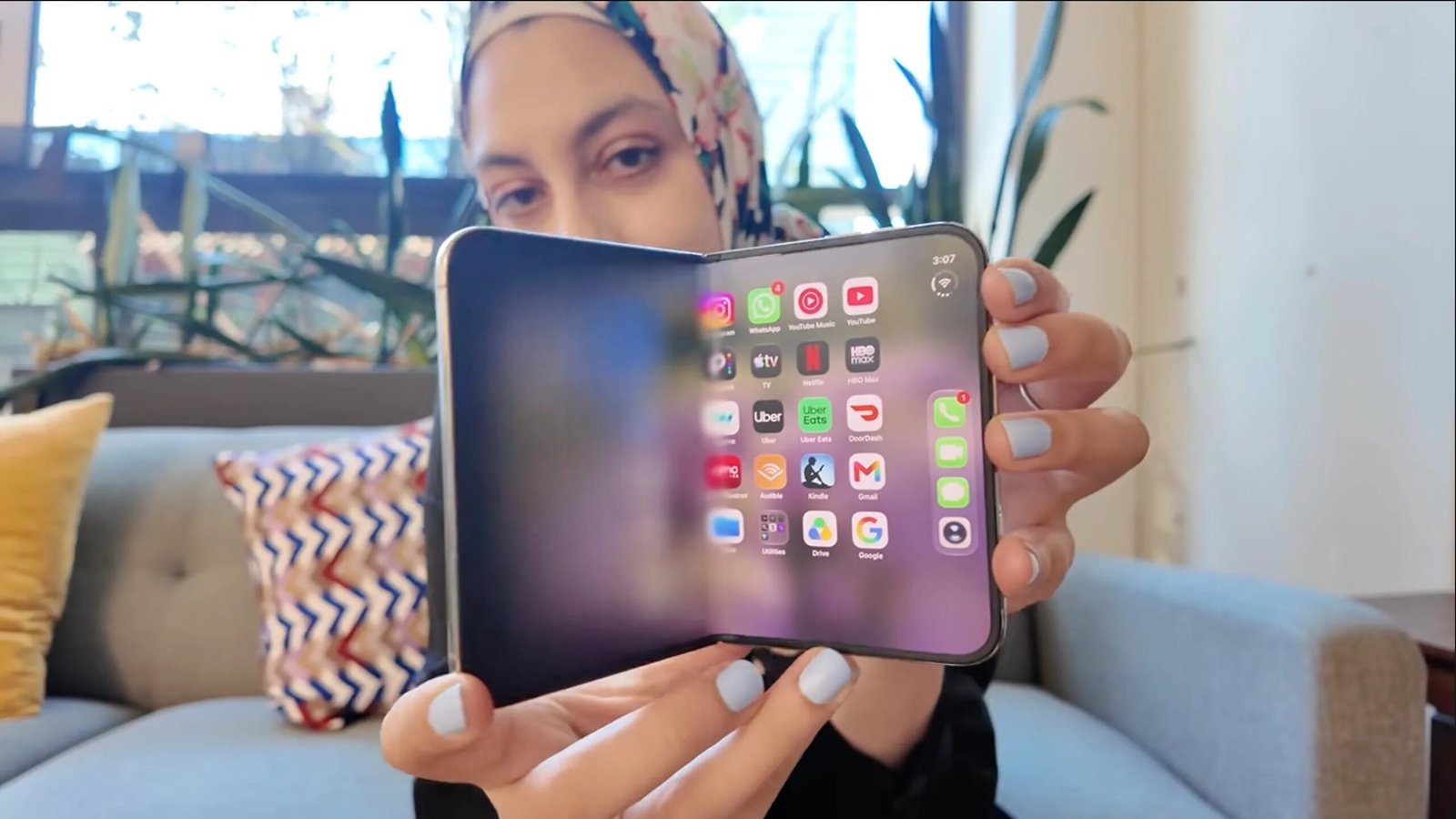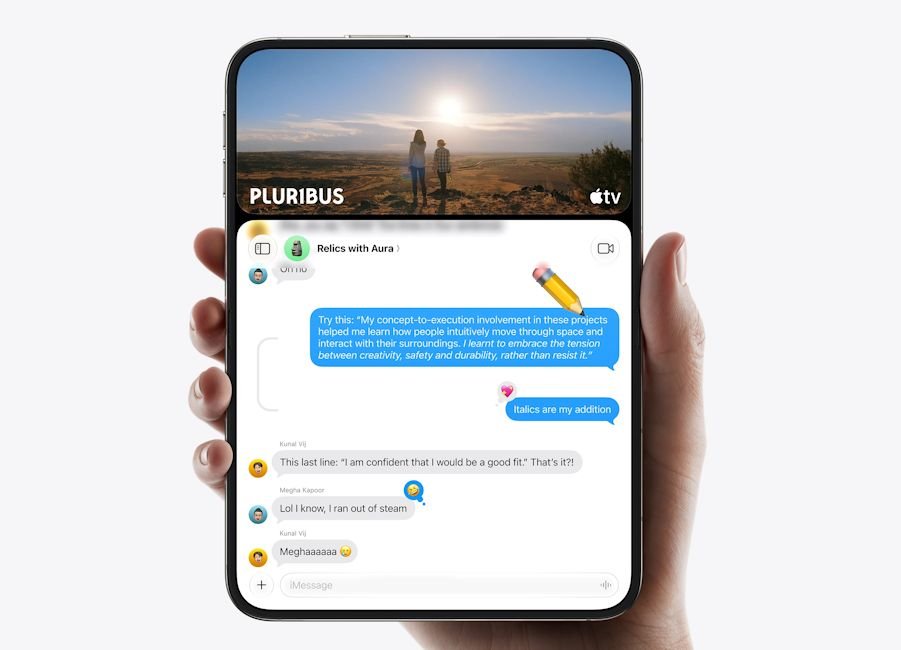
Apple has started rolling out iOS 27.2, bringing two notable features to its first foldable, the iPhone Duo. The update adds Apple Pencil support and Edge Light, a handy feature that improves visibility during video calls in low-light conditions.
The iPhone Duo now supports the Apple Pencil (USB-C) on both its inner and outer displays. Users can use the stylus to take handwritten notes, sketch and annotate documents without needing a separate tablet.
However, support is limited to the USB-C model. The Apple Pencil Pro and other Pencil models are not compatible with the foldable at the moment.
The addition makes the iPhone Duo more versatile, especially for users who want to use its large inner display for note-taking and productivity.

Moreover, there’s Edge Light now, a feature previously available on macOS. For those unaware, it illuminates the user’s face by displaying light around the edges of the screen, helping them look clearer during video calls in dimly lit environments.
Edge Light works with FaceTime and third-party apps such as Zoom, eliminating the need for a separate light source in many situations. It should also pair well with the iPhone Duo’s foldable design, which allows users to prop up the phone for hands-free calls.
iOS 27.2 Brings More Features to Eligible iPhones
Beyond these iPhone Duo-exclusive additions, iOS 27.2 introduces several other improvements for eligible Apple iPhones.
For starters, Siri AI gets support for French, Japanese, Korean, Portuguese and Spanish, alongside better use of personal context and previous conversations on Apple Intelligence supported devices.
The update also brings suggested actions to Messages, user profiles to Apple TV, a refreshed Podcasts layout and expanded Dual Capture support for group FaceTime calls.
To install the update, head over to Settings -> General -> Software Update on your eligible iPhone.
Related Articles