I use ChatGPT and Gemini for all sorts of little things throughout the day. Sometimes I need help fixing a message, sometimes I want to clean up a photo, and other times I’m just curious about something I spotted on screen. But I don’t always need to open a separate AI app and type out a prompt to get these things done.
Here are four Samsung features that save me from reaching for another AI app.
I use Samsung Keyboard to fix awkward messages

I don’t need AI every time I want to put a sentence together. If I’m replying to a WhatsApp message, inviting someone over for dinner, or trying to make a text sound less blunt, I don’t want to open an AI app just for that. Samsung Keyboard’s Writing Assist saves me that extra step. I can type what I want to say and use it to fix grammar, adjust the tone, or rewrite the message without leaving the conversation.
For example, I might type, “Hey, are you coming for dinner tomorrow or should I count you out?” It’s understandable, but I might want it to sound a little friendlier. Writing Assist can rework it into a more casual or polite version. I can also add a third-party tool like Grammarly to my keyboard for writing suggestions as I type. That way, I don’t have to copy a message into an AI app, wait for a better version, and paste it back. For everyday messages, these built-in writing tools are more than enough.
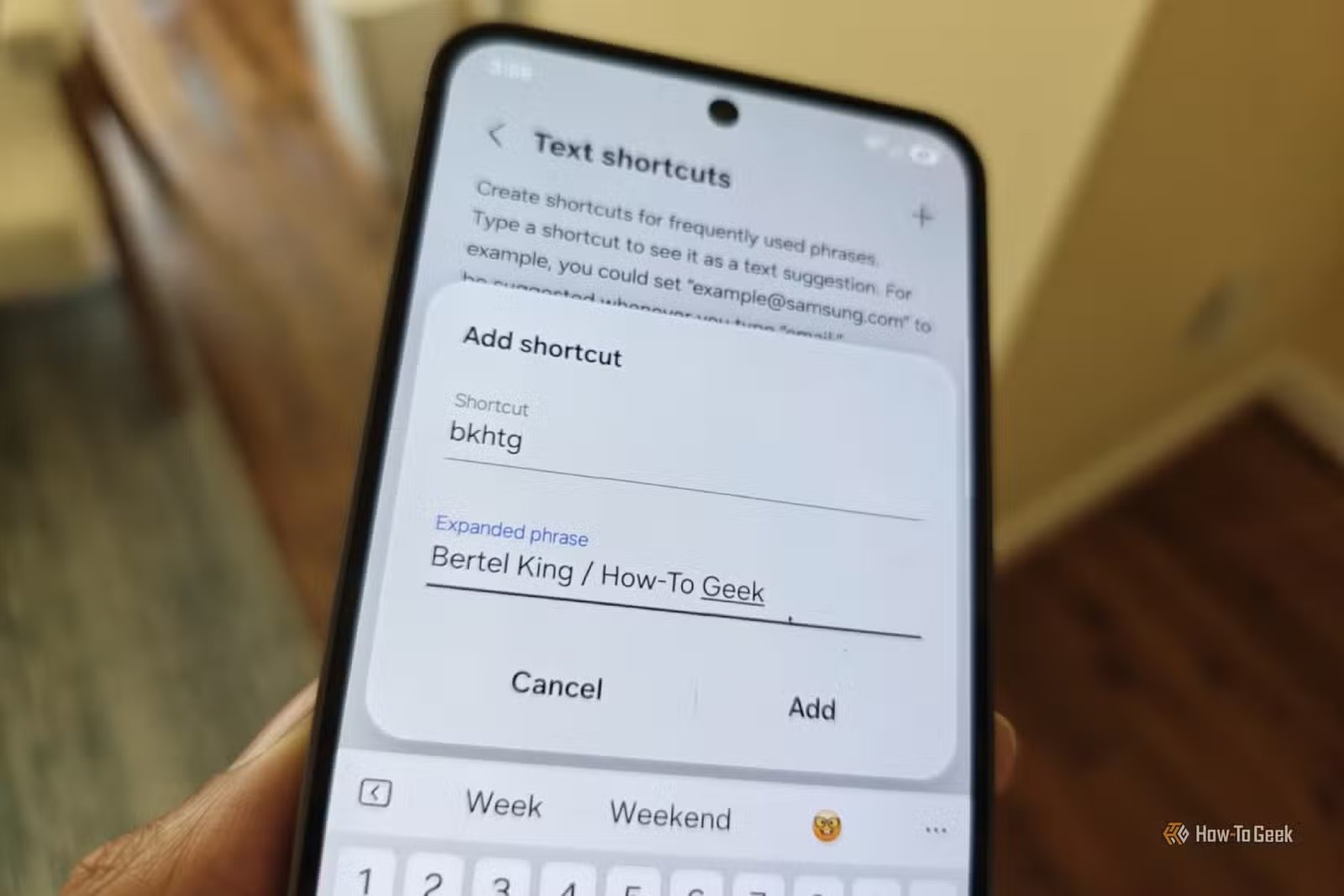
I also use Samsung Keyboard text shortcuts to expand frequently typed phrases without typing them out.
I don’t need an AI photo editor for quick fixes
Samsung Photo Assist does the job
I have more than a million photos of my daughter on my Galaxy Z Fold 6, and I can’t resist taking another one whenever she does something cute. The problem is that not every photo turns out perfectly. Sometimes, a stranger shows up in the background, or an unwanted object spoils the frame. Earlier, I would have considered opening an AI app to fix these little things, but now I use Photo Assist in Samsung Gallery.
Photo Assist lets me remove unwanted objects, move or resize subjects, and fill empty areas using Generative Edit. I can do all this without uploading my photo to another app, explaining what needs fixing, and downloading the edited version.
One UI 9 adds another useful trick called My FanCam. If my baby is dancing in a crowd at a school event, I can record the whole scene and select her afterward. My phone then follows her movement and crops the video to keep her in the center.
AI isn’t my first choice for summarizing voice notes
Samsung Voice Recorder now does more with my recordings

One UI 9 improves Samsung Voice Recorder by organizing its AI-generated summaries with clear headings and tables. Instead of giving me one long block of text to read, it breaks the information into sections that are easier to scan. That’s useful when I record several thoughts at once and don’t want to replay the entire recording to find one detail.
I often get article ideas when I’m driving, and typing them into my phone isn’t always convenient. I can record my thoughts in Voice Recorder and return to the summary when I’m ready to work. Now, I don’t need another AI app just for a readable summary. I don’t enjoy typing prompts like, “Summarize this recording into clear sections, highlight the main ideas, and organize details into a table.”
I find answers without switching apps
Circle to Search makes it easy

I often spot things while scrolling through Instagram that I want to look up, but I don’t always know what they’re called. It could be a dress someone is wearing, a handbag I like, or a piece of furniture that would look good at home. Earlier, I’d take a screenshot and try describing the item in the search bar. With Circle to Search, I can simply long-press the navigation bar and circle whatever catches my attention.
My phone searches for the item without making me leave Instagram or switch apps. I can find similar products, check prices, or identify something unfamiliar on the screen. I also use it when I come across places or objects I want to know more about.
It’s quicker than explaining what I saw to an AI app and hoping it understands what I’m looking for.
I’ll take useful shortcuts over more AI apps
I still enjoy testing new AI tools, but I don’t want to assume that a new app will always do a better job. Sometimes, the feature I need is already part of an app I use every day. I just hadn’t explored it enough to notice.
My phone has changed how I approach small tasks. Instead of looking for another app whenever I run into a problem, I now check whether there’s already a shortcut for it.