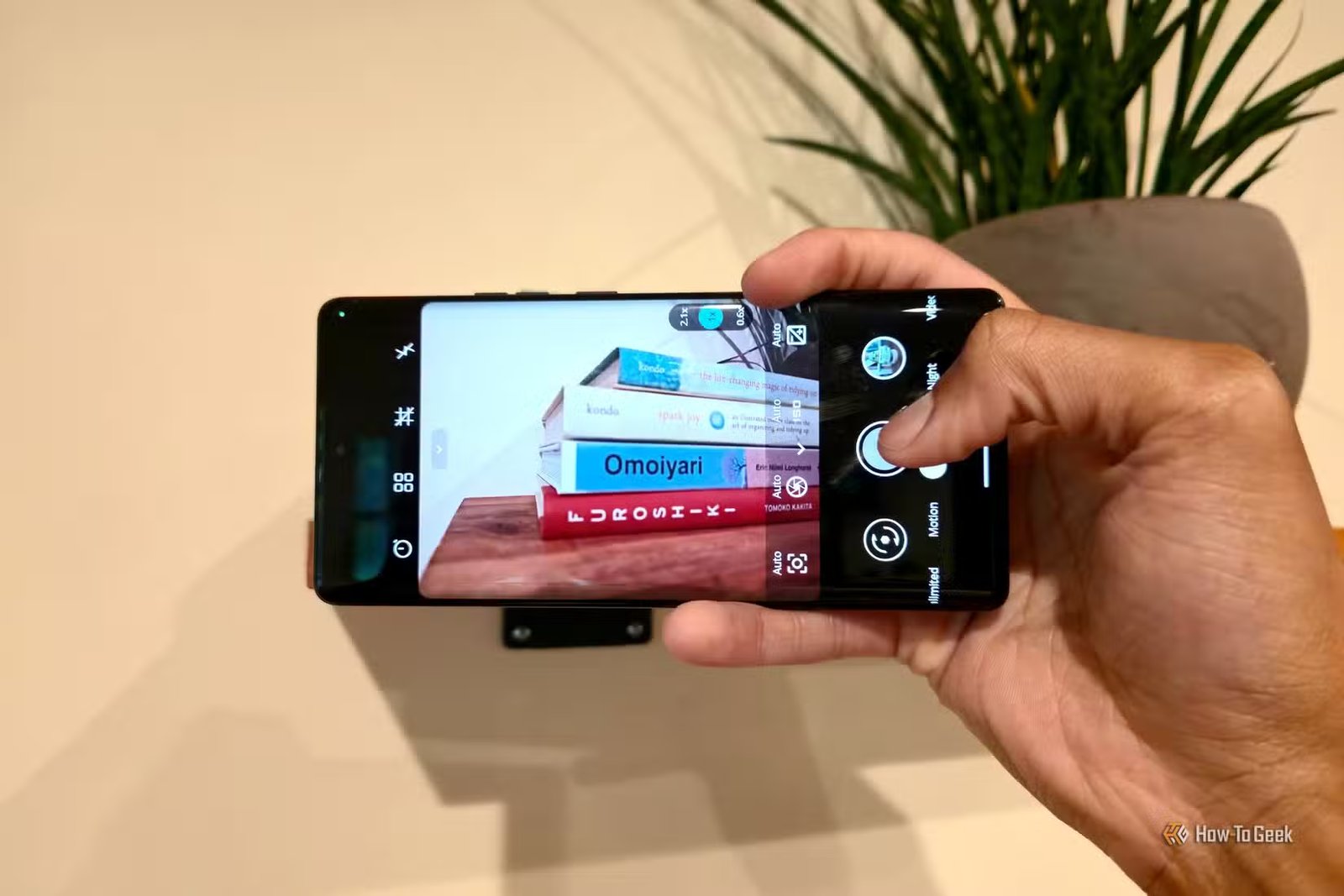
The power goes first, and the street changes character in seconds. Traffic lights blink off, storefronts vanish into the dark, and mobile signal bars begin thinning out one by one. You reach for your phone out of habit, only to find Google Maps half-loaded, messages hanging on “sending,” and half your apps staring blankly at servers they can no longer reach.
It has the makings of a Hollywood disaster movie, except your phone is still carrying a GPS receiver, flashlight, compass, storage, radio hardware, and plenty of processing power in your pocket. With the right apps installed ahead of time, Android can keep doing quite a lot even after the internet bows out.
Organic Maps keeps navigation working
Your GPS doesn’t disappear with the signal
The roads around you are beginning to seize up, your usual route is blocked, and the map on your screen has dissolved into a checkerboard of loaded and missing tiles. The GPS receiver in your phone is still working. What you need is a map that does not disappear when the network does.
Organic Maps lets you download OpenStreetMap data for entire regions, then search for places and calculate routes locally. GPS itself does not depend on mobile data, so once the relevant maps are stored on your phone, you can still see where you are and navigate without an internet connection.
I recently wrote about how Organic Maps worked well for me without a signal or subscription, and that offline-first design is exactly why it’s such a strong fit here.
Download your home region, nearby areas, and any routes you’re likely to travel before you need them. It’s also worth refreshing those maps whenever you have a solid connection, especially before a long drive or trip, so you’re not relying on stale road data when the network decides to disappear.
First Aid – IFRC keeps instructions close
Medical guidance shouldn’t need a loading spinner
Then someone gets hurt. It doesn’t take cinematic carnage to raise the stakes. A bad fall, deep cut, burn, or choking incident is enough to make a dead internet connection a much bigger problem.
First Aid – IFRC comes from the International Federation of Red Cross and Red Crescent Societies and includes guidance for common medical emergencies. Its instructional content is stored on the phone, so you can still pull it up when cellular data and Wi-Fi are unavailable.
It belongs alongside other emergency apps worth keeping on your phone because its value comes from being ready before anything goes wrong.
The app should be treated as a reference, not a replacement for first-aid training or professional medical care. Its role is to provide structured instructions when the situation is stressful and recall becomes unreliable.
Trail Sense puts your phone’s sensors to work
Your handset knows more than you ask it
The sky is getting darker now, and without a connection, your usual weather app has very little to say about it. The phone in your hand may still have a barometer, compass, GPS receiver, accelerometer, and several other sensors working just fine.
Trail Sense is built around that hardware and is designed to function without internet access. Depending on what your phone supports, it can provide a compass, pressure readings, altitude data, navigation beacons, backtracking, sunrise and sunset information, and a broad collection of outdoor tools.
Its barometer features are especially useful because shifts in atmospheric pressure can offer clues about developing weather patterns. A phone barometer can help you spot weather trends, although it shouldn’t be confused with a current forecast from a weather service.
You should test Trail Sense beforehand because sensor hardware varies quite a bit from one phone to another. You should also learn how compass calibration works and how much battery the heavier tools consume before you need them in a situation where charging options are limited.
Kiwix puts a reference library on your phone
The questions don’t stop when Google does
You’ve found somewhere safe for the moment, and now the next problem is information. It might be a mechanical fault, an unfamiliar piece of equipment, a medical term, local geography, or any of the dozens of questions you would ordinarily dispatch with a quick web search. For now, that option is unavailable.
Kiwix gives you a way around that by letting you download collections such as Wikipedia and Project Gutenberg for local browsing and search. Once those archives are stored on your phone, they stay available whether you have a connection or not.
You can keep an enormous chunk of Wikipedia available offline, even though the larger packages can chew through several gigabytes of storage.
Instead of grabbing every archive in sight, download one broad reference package and add a few focused collections that match what you’re likely to need. You’ll still end up with a formidable offline library without turning your phone into a storage locker for compressed encyclopedias.
Bridgefy keeps nearby people talking
Losing the group shouldn’t end the conversation
A few people head off to check another building or look for supplies, and regular messaging stops helping as soon as they’re out of earshot. Cellular service may be gone, but the Bluetooth radios in everyone’s phones are still very much capable of talking to each other.
Bridgefy uses Bluetooth to exchange messages between nearby phones without relying on conventional internet access. Devices can communicate directly when they are within range, and messages can also hop through other participating Bridgefy users to extend that reach through a mesh.
Anyone you plan to contact should install and activate Bridgefy before an outage, since the initial setup requires an internet connection. Its effective range also depends on phone hardware, walls and other obstacles, radio interference, and whether enough nearby users are available to relay messages.
Google Translate works without a live connection
A language barrier gets taller without data

Now imagine all of this happening while you’re abroad. You’ve found the right place and the right people, but you can’t explain what you need or make sense of the instructions posted on the wall. Your data connection isn’t coming to the rescue.
Google Translate allows supported languages to be downloaded to your phone so text translation continues offline. Depending on the language, downloaded packs can also support features such as camera translation, which can be a lifesaver when you’re staring at signs, labels, or printed instructions you can’t decipher.
Before a trip, download the local language along with any others you’re likely to need, then switch on airplane mode and make sure the features you care about still work. Offline support varies from one language to another, and finding that out at home is a lot better than discovering it while standing in front of a baffling notice in an unfamiliar place.
Test your offline kit before you need it
The best preparation here after reading this is to download the maps, language packs, and Kiwix archives you need, activate Bridgefy, open First Aid, and confirm that Trail Sense can see the sensors your phone actually has.
Then test each app under the conditions it was built for. Turn off Wi-Fi and mobile data when checking your maps, reference material, first-aid guidance, and translations, while leaving Bluetooth enabled for Bridgefy and trying it with another phone nearby. A few minutes spent finding missing downloads, forgotten permissions, or features that still expect a connection is far easier to deal with at home than when the network has already vanished.