I carry one of the newest and most expensive phones, but my job is to cover Android. In this economy, it’s hard to justify spending this kind of money this often. Before, I spent years making a midrange smartphone last as long as possible while remaining pleasant to use, and the job has only gotten easier.
The best free and open source apps don’t require new or powerful phones to run smoothly, and they look every bit as good as the software coming from Google and Samsung (some might say they look even better). If you want to make an old phone feel like new, here are the apps I’d recommend. Some are available in the Play Store, but a few may require you to download F-Droid.
Kvaesitso
Nothing makes a phone feel different like a new launcher
Android phones come with perfectly functional home screens, but swapping them out for an alternative is the perfect way to make one feel like new. While I can easily recommend Lawnchair if you just want your phone to feel like a modern Pixel, or Victoria Launcher if you’re a fan of Niagara Launcher like I am, I’d say this is a good opportunity to try something radically different. I personally think Kvaesitso is a good time, and I still find myself coming back to it when I want my phone to feel distinct.
Firefox
A privacy-respecting web browser
You can run Google Chrome on an old phone, but if you want to switch to open-source apps, the browser is a good place to start. Firefox comes with privacy features that can also speed up your browsing experience, the kind you need to turn to extensions for on Chrome.
Firefox has much less telemetry than Chrome, and you can also install Fennec, a fork of Firefox withtelemetry removed.
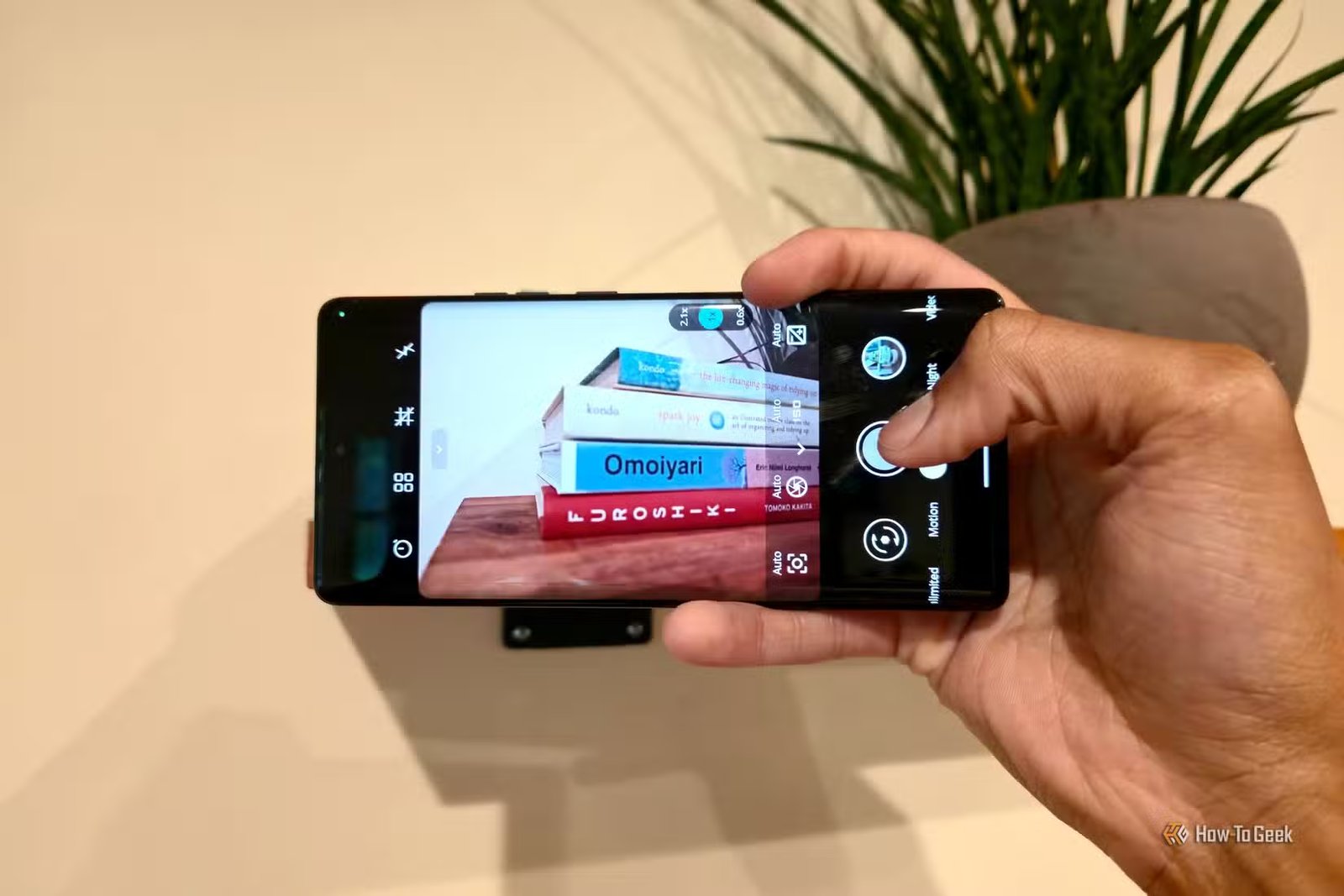
PhotonCamera
A modern smartphone needs a good camera app

The smartphone camera has become the primary reason many of us want to upgrade our phone in the first place. While a camera app can only do so much to improve a photo, open-source camera apps have long had the problem of making photos worse. PhotonCamera is one that actually makes the photos on a midrange smartphone closer to a Pixel. If your phone was never much of a good shooter to begin with, give it a go.
Heads up — you won’t find PhotonCamera in the Play Store or the default F-Droid repositories. You’ll need to add the IzzyOnDroid repo to F-Droid or download an alternative F-Droid client that comes with the repo already enabled, such as Droid-ify.
reFra
A local gallery app that feels like Google Photos
Google Photos is a non-starter for me. I don’t upload my photos to Google Photos, and the app constantly nags me to change my ways. reFra is an alternative that I’d argue does an even better job of embracing Android’s Material 3 Expressive design language. Browsing photos is a joy; you can sync images with a cloud provider of your choice, and you can download local AI models to replicate certain aspects of Google Photos if your phone has enough memory to spare. I’m not alone here at How-To Geek in feeling that reFra is a gallery app done right.
Material Files
Your current file manager may not be up to the task

While I think Samsung My Files is a stellar file manager for Galaxy phones, I recommend replacing the Files by Google app no matter how new your phone is. Either way, a file manager can do so much more than either of these two apps. Material Files is my favorite Android file manager, open source or otherwise.
Easy Notes or Markleaf
Google Keep and Obsidian alternatives for mobile note-takers
It’s hard to recommend just one note-taking app. After all, no single app can be it for everyone. If you want a simple app for jotting things down akin to Google Keep, then I recommend Easy Notes. It’s a bit more barebones than Keep, but it has the vibe. I never used Keep for much more than this anyway, so it works for me.
If you want something more powerful, like Obsidian, check out Markleaf. This is a markdown editor that saves all notes to your device in plain text that’s easy to sync wherever you want. Again, it’s not quite as powerful as Obsidian is, but it contains all the features I personally used Obsidian for.
For those who prefer a private cloud-based option, there’s also Standard Notes.
A phone feels much newer with cohesive apps and no ads
None of these apps improve your aging hardware, but that’s not the whole story. Much of what makes a phone feel old is the cruft that builds up over time, so free up some storage as you swap outapps.