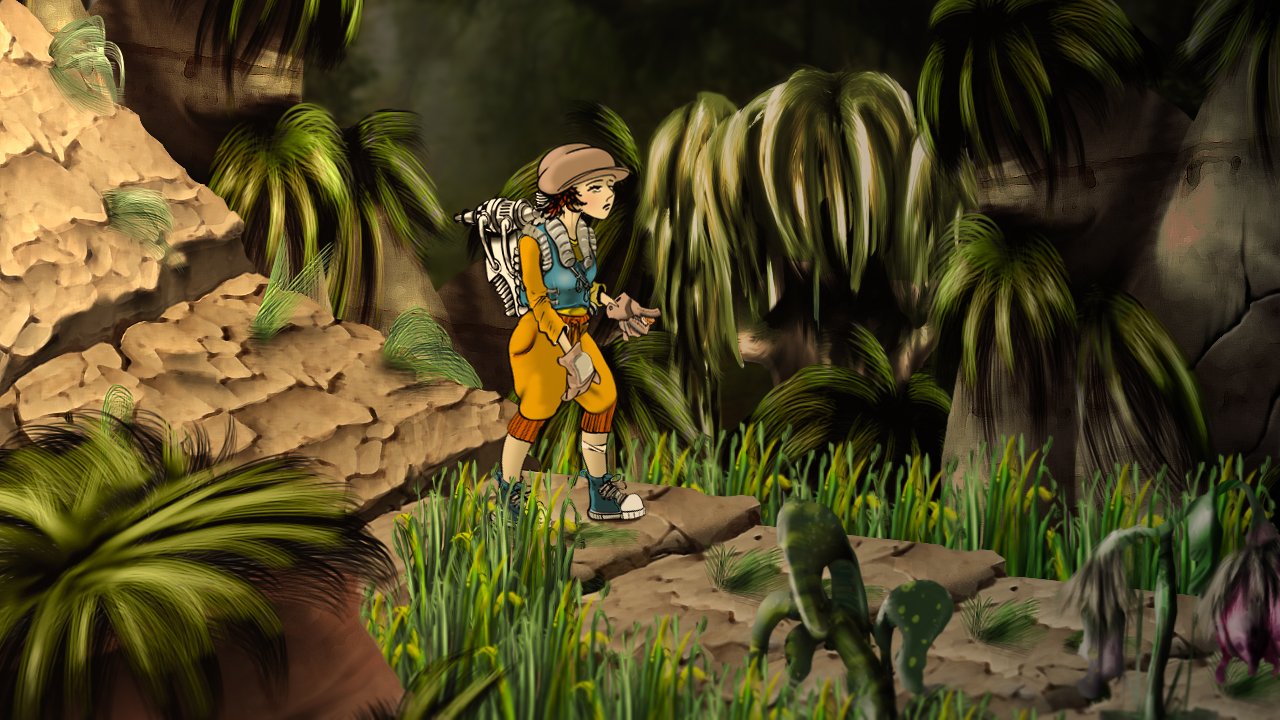

Press left, then right. The character changes direction immediately, but its feet spend another moment finishing the old walk cycle. Nothing is technically frozen. The game still feels reluctant to listen.
That gap between a player’s input and the movement they can read is where many promising 2D characters lose their appeal. A beautiful animation can hide the start of a jump or make a short attack feel slow. For developers, testing responsiveness means looking at the animation and the rules driving it together.
Start with the first visible response
A player needs some sign that an action has begun. That sign does not always have to be the full movement. A turn of the body, a change of stance or a small sound can acknowledge the input while the character prepares a larger action.
Consider a sword swing. A heavy attack may deliberately take time to connect, but its preparation should be legible. If the character holds the previous idle pose after the button press, the player may interpret the delay as a missed input. If it enters a clear wind-up, the same waiting time can read as weight.
Test this distinction with a recording that shows both input and gameplay. Find the button press, the first visible reaction and the moment the action takes effect. You are looking for delays that serve no readable purpose, rather than trying to make every move equally fast.
Give the important poses enough time
More drawings do not automatically make an action clearer. A sequence can be smooth yet rush through its only recognisable contact pose. Another can use fewer frames and communicate the action well because its timing gives each pose a job.
For an attack, separate preparation, contact and recovery. For a jump, look at take-off, ascent, the change into falling and landing. These are useful review points even if your implementation uses different animation states.
Try changing the duration of an existing pose before commissioning or generating additional frames. Holding a preparation slightly longer might make an enemy attack fairer to read. Shortening a recovery might make a player attack feel less cumbersome, although it also changes the opportunity to act again. That is a gameplay decision, not just an art adjustment.
Keep movement and foot placement in agreement
Foot sliding is easy to spot once you look for it. A character travels across the ground while a foot that appears planted drifts along with it. The animation might be perfectly consistent on its own; the mismatch appears when it is played alongside the game’s movement.
Use a floor with visible marks in a test scene. Watch the character walk past them at its intended speed. Adjust playback and movement together, then repeat the test at any other speeds the game supports. A slow walk and a sprint may need different treatment.
Check the pivot and frame alignment before changing the poses. If each frame places the character at a slightly different height, the body can bounce for reasons unrelated to the walk. A stable reference point makes it easier to distinguish intentional weight shifts from export problems.
Test interruptions, not only complete loops
Animation previews tend to show a clip from beginning to end. Players rarely cooperate with that schedule. They stop halfway through a step, turn at a ledge, take damage during an attack and press jump just as they land.
Build a short test route that forces those situations. Move for a moment, release the direction, reverse it, then jump and land beside an obstacle. Repeat with different timing. Watch for a stale frame, an unexpected snap or a pose that continues after the action has ended.
Decide which actions can interrupt which others. An attack that cannot be cancelled may be intentional, but the animation should make that commitment readable. A hit reaction should not accidentally leave the character displaying a walking pose while the movement code has already stopped it. Clear rules make these cases easier to reproduce and fix.
Judge the sprite at the size players see
A close-up can make a tiny expression look essential. In a busy room, the player’s eye may only register the character’s outline and direction. Review the animation with the real camera, backgrounds and nearby effects, including on the smallest display size you intend to support.
Turn off effects for one pass. If a swing only makes sense because of a bright trail, check whether its body poses communicate the motion. Then restore the effects and see whether they reinforce the important moment or cover it.
For projects exploring generated assets, Sprite Flow’s animation tools offer a way to create sprite movement from a character image and an action prompt. The useful comparison is between candidate animations in the same playable scene. Keep the movement rules fixed while reviewing them, so a change in game speed does not disguise a weaker sequence.
Change one thing and replay the same test
When a character feels wrong, write down the moment that caused it. “Turning from left to right leaves the old facing pose on screen” gives you a testable problem. “Needs more polish” does not tell an artist or programmer where to start.
Keep a working baseline and change one variable at a time: the duration of a pose, the transition rule, the pivot or the movement speed. Replay the same route after each change. You can then tell whether the improvement came from the new art or from how the game uses it.
Ask someone unfamiliar with the test to play it without explaining the intended fix. Notice where they repeat an input or hesitate because the character’s state is unclear. Their behaviour can reveal a problem that you have learned to work around.
A responsive character gives players a dependable connection between what they press and what they see. The final check is ordinary play: starting, stopping, turning and recovering should make sense without anyone having to explain the animation system behind them.