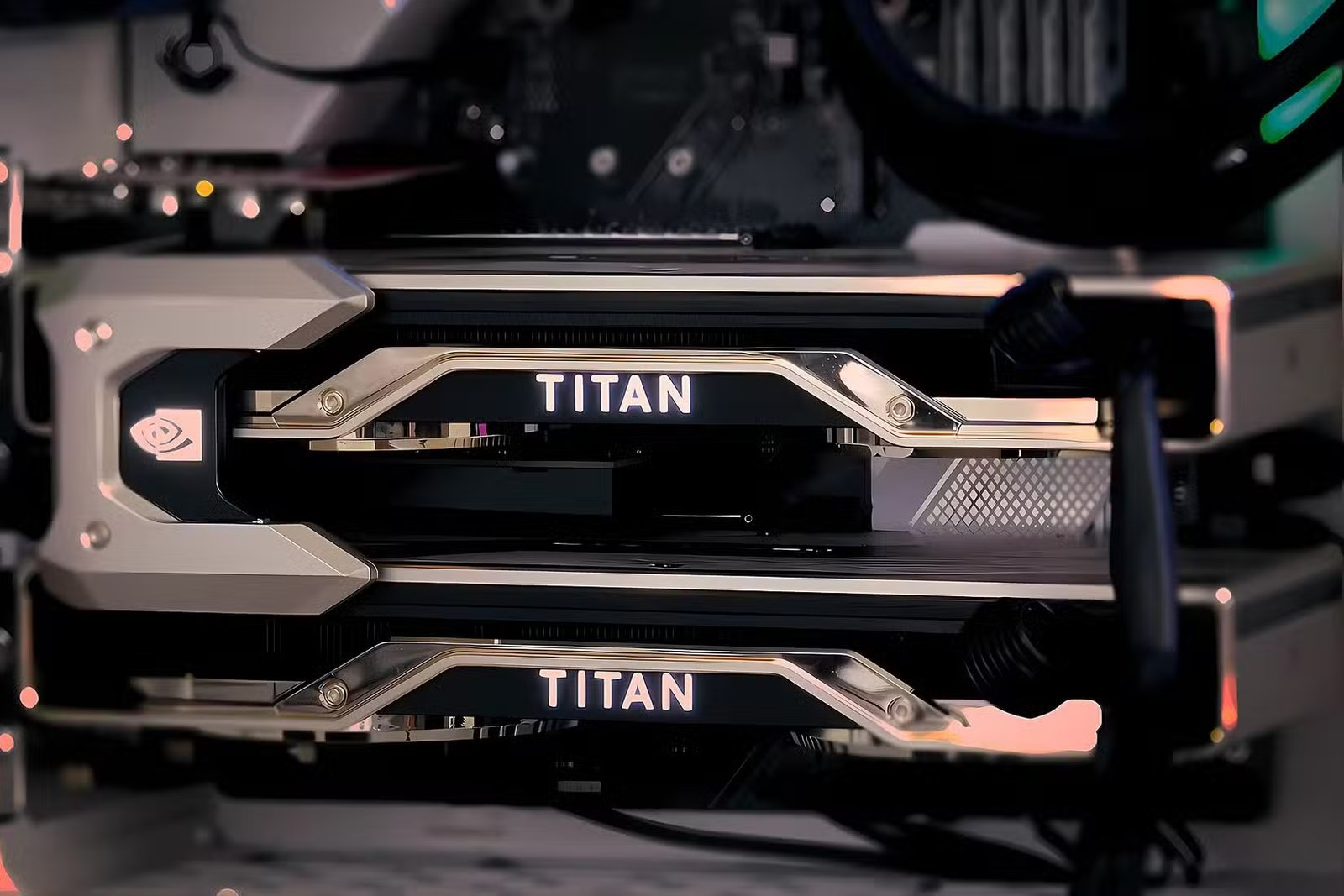
If you’re too young to remember, there was a time when running a dual-GPU gaming setup was all the craze. Gamers who could afford it used to connect two and even three GPUs to reach performance heights mere single-GPU owners could only dream of. That may or may not be hyperbole, but there was active development around multi-GPU gaming by Nvidia and AMD, until there wasn’t. By the end of the 2010s, support for multi-GPU gaming was effectively gone.
In the last few years, though, running multiple GPUs is back in vogue due to the popularity of local AI. Running local LLMs scales effectively across two (or more) GPUs, supercharging context windows, if not raw token performance. Also, buying two cheaper GPUs with enough VRAM doesn’t hit your wallet as much as a single pricier GPU would, making the whole exercise worthwhile.
While the setup comes with its own challenges, users who already have a decent GPU in their PC should seriously consider pairing it with a second affordable card instead of hunting for a used RTX 5090.
Gaming used to be the reason behind dual-GPU setups
It hasn’t been that way for a while

Nvidia’s SLI and AMD’s CrossFire garnered a cult following from the mid-2000s through the mid-2010s. This was a time when cutting-edge games were starting to require serious graphical power, especially if you wanted the best resolutions and framerates. Gamers who could afford multiple GPUs could effectively scale gaming performance in titles that were designed around the technology.
Not every game benefited from dual-GPU setups. Besides, microstutters and inconsistent driver support created quite a headache for gamers. As the 2010s were drawing to a close, these problems became too big to ignore, especially as the Pascal and Turing graphics cards had gotten powerful enough without the need for multi-GPU setups. Developers had stopped optimizing games for multiple GPUs, and the trend slowly died out.
Nvidia and AMD stopped supporting multi-GPU profiles around 2020-21. The RTX 3090 and 3090 Ti were the only 30 series cards to support SLI, and with the RTX 40 series, the support was fully gone. The industry shifted to single-GPU enhancements around AI, and multi-GPU gaming PCs became a dying breed.
Pairing your main GPU with a second card boosts local AI performance
Another reason behind poor GPU availability for gaming
Around March 2023, local AI enthusiasts revived the dual-GPU trend, but not for gaming this time. The rise of open-weight LLMs and tools like llama.cpp, Ollama, and LM Studio made it possible to pool the resources of two graphics cards where a single one fell short. VRAM became the currency of LLM performance, and users started to see GPUs as professional tools instead of gaming-focused components.
While you don’t get double the token performance by pairing two cards, you do get to fit significantly larger models. An RTX 5090 (if you can find one) has a massive 32GB framebuffer and the raw tensor performance to go with it. However, combining, say, two RTX 5060 Ti cards gives you the same amount of memory. Your investment is slashed by a huge margin, and your local AI math changes completely, even if the performance doesn’t scale as you’d hope.
Pairing identical GPUs is recommended to avoid speed bottlenecks due to mismatched memory bandwidth and parallelism limits due to differing core counts. You can still use tensor splitting to carefully split model layers in a way that the card with less VRAM doesn’t run out of memory.
Another thing you need to look out for is PCIe bifurcation on your motherboard. Many boards will limit the second GPU to x4 lanes wired to the chipset, limiting the performance. Higher-tier motherboards that provide 8 CPU-wired lanes each for both GPUs are recommended for dual-GPU setups.
Your two GPUs don’t need to be identical
Or even current-gen models

Splitting your LLMs across two identical GPUs improves your context windows and allows you to leverage larger models, but not everyone needs to do it this way. Even if you have, say, a modern RTX GPU in your gaming PC and an older GTX card lying around, you can assign different tasks to each card. For instance, using an RTX 3080 Ti and a GTX 1080 together to run local image generation on the former and round-the-clock LLMs on the latter is a perfectly viable setup.
Mixture-of-experts (MoE) models certainly help fit larger models on GPUs with around 12GB (or even 8GB) VRAM, allowing users to stretch the definition of what’s possible on a mainstream local machine.
Even if you cannot buy two identical current-gen graphics cards, which most people can’t in this market, a used older-gen GPU can still support your modern card by splitting the work. It won’t be as high-end, but it’ll still make great use of a dual-GPU setup.
Dual-GPU setups need to be financially viable
While it’s technically possible to use multiple GPUs in a PC to split LLM layers or otherwise share local AI workload, you also need to make the project make sense financially. The initial investment is just a part of it; long-term power consumption needs to stay feasible compared to running a single GPU. Even the PSU requirements and thermal challenges of running two GPUs in a tower need to be considered before you dive in.