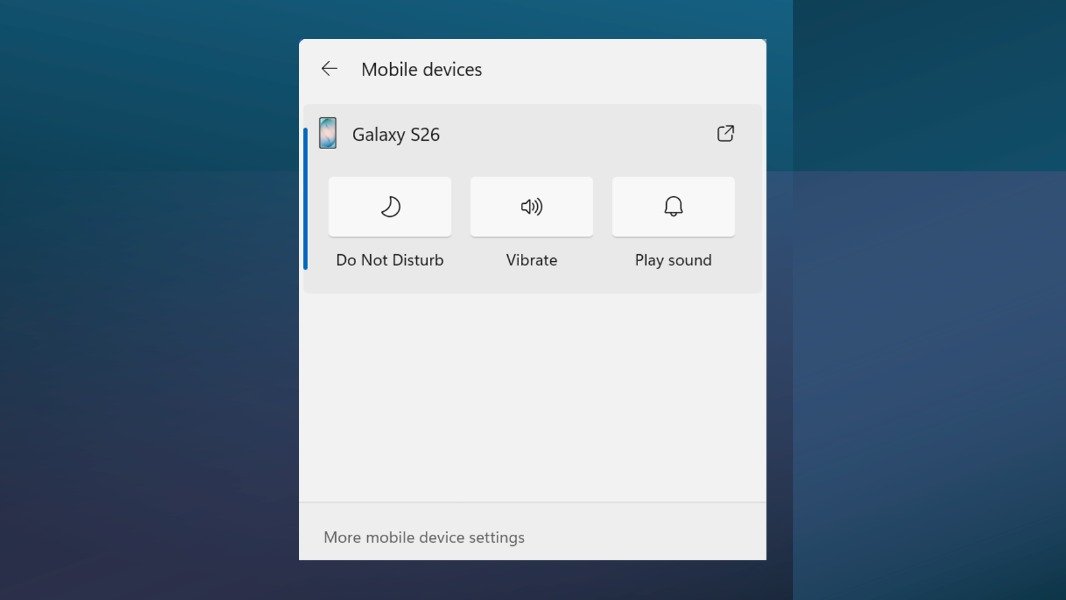
Microsoft is bringing basic mobile phone controls to the Windows 11 Quick Settings Menu. The new integration is available to test on the just-released Windows 11 Experimental build 26340.9767, alongside a built-in Internet speed test.
At the moment, Microsoft says that mobile device controls in Quick Settings vary by platform and configuration. “The initial experience provides the most complete set of controls for Android phones, while iPhone support starts with a more limited status-focused experience,” the Windows Insider team explained.
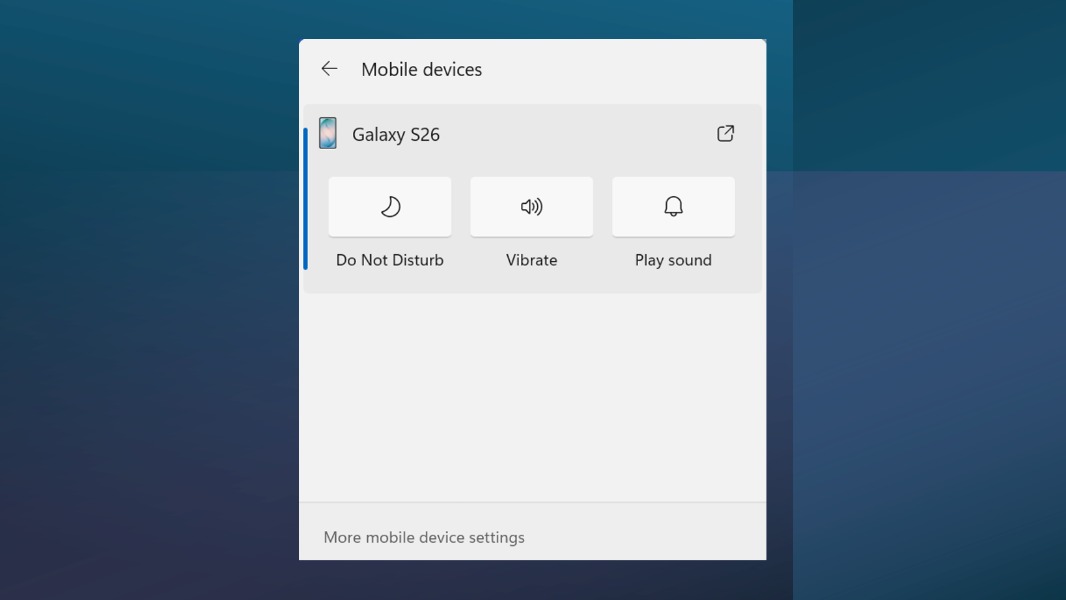
From Quick Settings, Insiders with a connected Android phone will be able to turn on Do Not Disturb, make their phone play a sound, or change the ringer mode to Vibrate. Again, this is pretty basic for now, but the ability to make your phone ring when it’s nearby should be quite handy.
This same Experimental build also introduces a native Internet speed test right into Quick Settings. It’s from the Wi-Fi or Cellular flyout, or by right-clicking the network icon in the system tray, and results no longer open on the web.
Lastly, today’s Experimental build adds the ability to filter Feature flags by enablement state on the Windows Insider Program settings page. This makes it easier to check which experimental features are enabled or disabled.
Microsoft also released the Experimental (Future Platforms) build 29695.1001, the Experimental (26H1) build 28120.3302, the Beta (26H1) build 28020.3292, and the Beta build 26220.9757 today, but the changes on these other channels are quite minor. You can check the release notes for details.