Your Oppo, OnePlus or Realme phone can now read out who’s calling, shrink photos before you share them and translate text in the right tone, all thanks to the ColorOS 17 November 2026 update.
ColorOS 17 November 2026 Drop: Everything New
Oppo has detailed its ColorOS 17 November 2026 update, which adds smarter AI translations, a redesigned Calculator, flexible photo exports and the ability to hear who’s calling without reaching for your phone. The update is rolling out now and here’s everything that’s new:
Related Articles

Photos Gets Flexible Exports and Customisable Photo Deletion
The Photos app gets two practical upgrades.
The first is Flexible Image Export, which lets you adjust the resolution and compression quality of a photo before saving or sharing it. You can pick from preset sizes (25%, 50%, 75% or the original), set a custom long-edge size in pixels, and choose an image quality level from Lowest to Best. The app also shows an estimated file size, so you know exactly how big the file will be before you export it.

The second is Customisable Photo Deletion. When you delete photos, you can now choose whether to remove them from both your device and cloud storage, or keep them in the cloud to free up space on your phone. Photos backed up to the cloud stay in “Recently deleted” for 60 days, while those that aren’t backed up are kept for 30 days.
Related Articles

Incoming Call Announcements in the Phone App
The Phone app now supports Incoming Call Announcements, which read out who’s calling so you don’t have to check your phone.

You can set it to announce calls every time, or only when you’re connected to a Bluetooth device or have headphones plugged in. That makes it especially useful while you’re driving, cooking or working out.
Oppo notes that this feature works only on devices that come with the Oppo Phone app pre-installed, and it may vary by model and region.
Related Articles

OSee Gets Landscape Mode and Object Recognition
OSee, Oppo’s visual search tool, now works in landscape mode and adds a new Object Recognition feature. Point your camera at something and OSee can identify it for you.

It sits alongside OSee’s existing tools for scanning documents, translating text and scanning QR codes.
Related Articles

AI Translation Now Matches the Original Tone
The built-in translation app gets Enhanced Text Translation. Alongside the standard translation, you’ll now see an AI translation that’s designed to sound more natural and match the tone of the original text.

You can also look up word meanings, with dictionary definitions, grammar notes, common collocations and example sentences, which makes it handy for building your vocabulary.
Oppo’s own examples show English-to-Hindi translations, so Indian users should benefit right away.
Related Articles

Calculator Gets a Fresh New Look
The Calculator app has been redesigned with a cleaner interface and separate Basic, Scientific and Converter tabs at the top.

The converter supports currency, length, area, volume, weight, temperature, speed, pressure, power and number systems (binary, octal, decimal and hexadecimal).
Your calculation history is also easier to browse now.
Other Changes in the ColorOS 17 November Update
Apart from the above mentioned key highlights, the update also brings several smaller but handy improvements:
- O+ Connect can now connect both your phone and tablet to the same PC at the same time. This requires O+ Connect version 17.100.10 or later.
- You can add One-tap boost and Storage cleaner widgets in 2×1 and 2×4 sizes, along with a 2×1 Battery usage widget, and resize them on the home screen.
- New 2×1 and 2×2 contacts widgets are also available for the home screen.
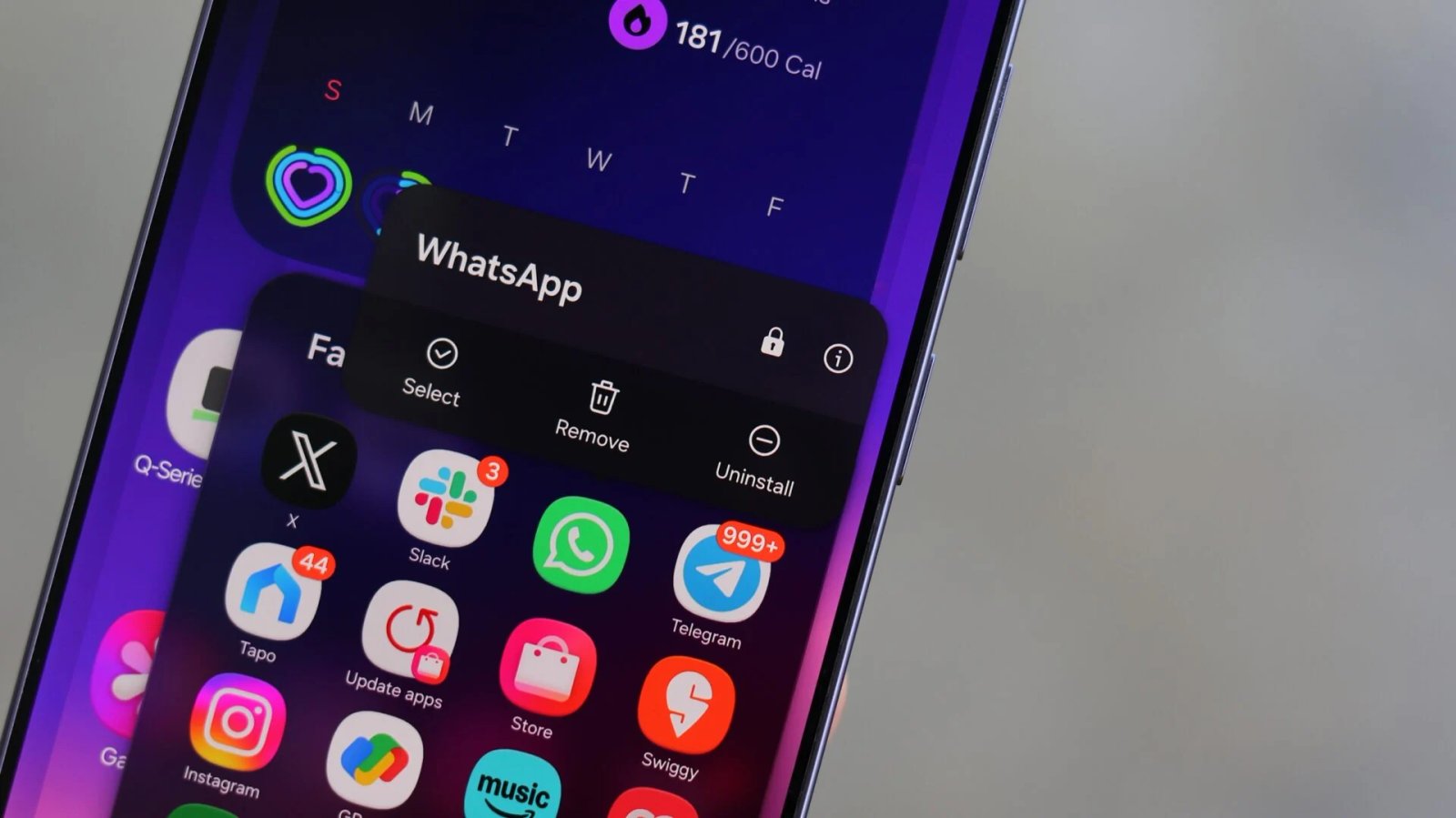
- A new “Return to Home screen when exiting” toggle automatically takes you back to the home screen when you leave a hidden app. You’ll find it under Settings -> Security & privacy -> Hide Apps, by tapping the Settings icon in the top-right corner.
- An “Automatically unlock when connected” option lets you unlock your PC using a saved password while it’s remotely connected to your phone. During a remote connection, tap the More icon on the floating ball, then tap “Unlock PC” to turn it on.
Additionally, the update brings general system stability improvements.
ColorOS 17 November Update Eligible Devices
Oppo says the update is rolling out in phases from November 1 to November 30, 2026, to the following devices:
| Oppo | OnePlus | Realme |
|---|---|---|
| Oppo Find N6 | OnePlus 15 | Realme GT 7 |
| Oppo Find N5 | OnePlus 15R | Realme GT 7T |
| Oppo Find X10 Pro Max | OnePlus 13 | – |
| Oppo Find X10 | OnePlus 13R | – |
| Oppo Find X9 Ultra | OnePlus 13s | – |
| Oppo Find X9 Pro | – | – |
| Oppo Find X9s | – | – |
| Oppo Find X9 | – | – |
| Oppo Find X8 Pro | – | – |
| Oppo Find X8 | – | – |
| Oppo Reno 16 Pro 5G | – | – |
| Oppo Reno 16 5G | – | – |
Since the update is rolling out in phases, not everyone will get it right away. Oppo also notes that the order of devices doesn’t indicate upgrade priority, and that some features may vary depending on your device’s hardware and model.
If your phone isn’t on this list yet, it may still be waiting for the main ColorOS 17 upgrade. You can check our full list of ColorOS 17 eligible devices and the Oppo and OnePlus stable ColorOS 17 rollout schedule to see when your device is due.
For a refresher on everything ColorOS 17 brought at launch, you can head to our Oppo ColorOS 17 features guide.