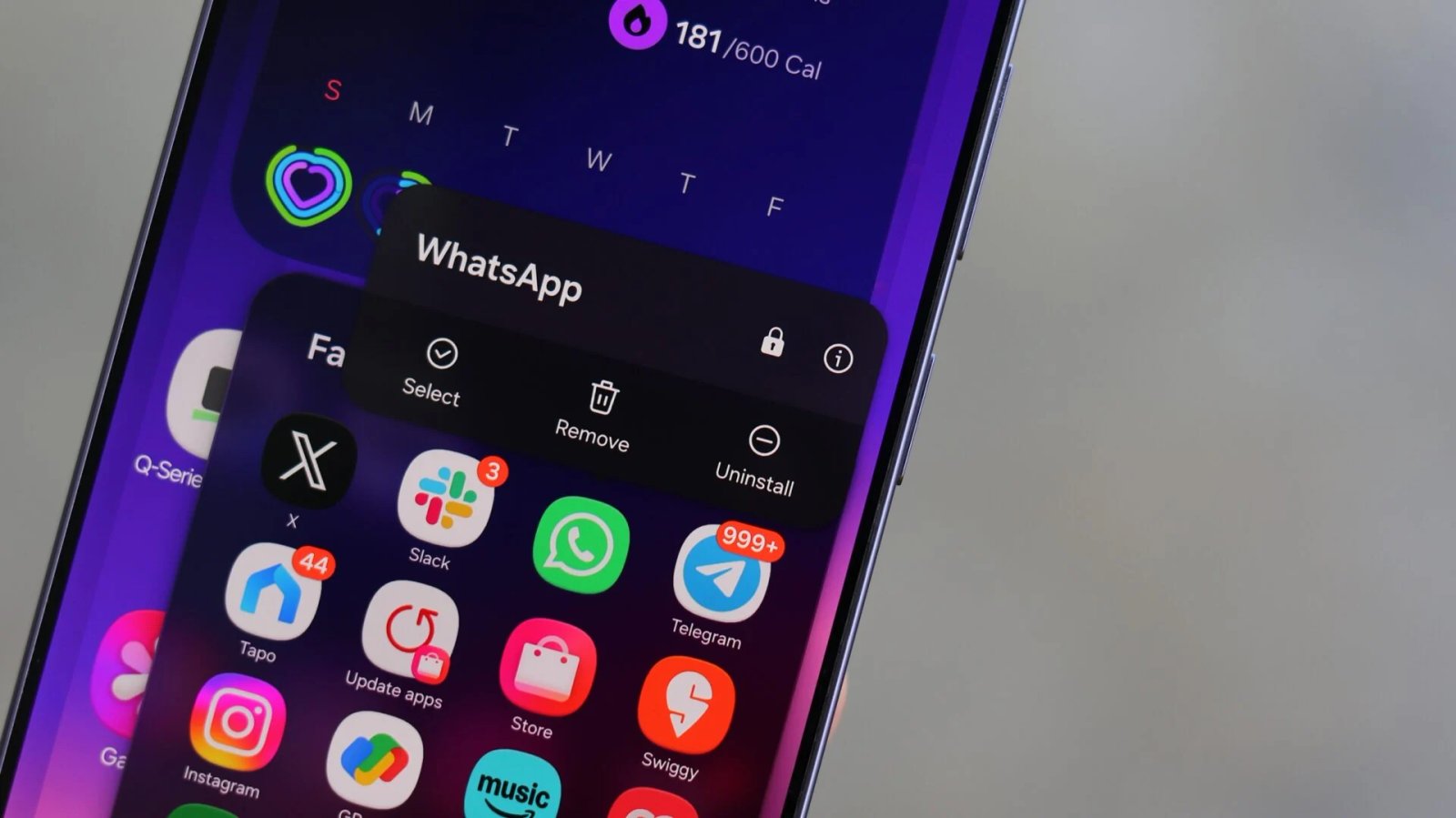
A feature that Galaxy fans have been requesting for ages has finally arrived. Samsung has introduced app lock with One UI 9.5, giving users the ability to lock individual apps behind biometric authentication.
On previous versions of One UI, Galaxy users had to use Samsung’s Secure Folder feature if they wanted to keep some apps and their data from being accessible to anyone using their phones.
However, Secure Folder doesn’t just lock an app from being accessible to others. It also isolates apps inside Secure Folder from accessing the rest of the main system.
Because it creates an entirely separate, duplicate copy of an app, users are stuck managing separate logins, navigating into a separate vault, and dealing with restricted file and photo sharing with their primary phone profile.
A much simpler way to lock your apps
Native app lock removes all that extra friction. Instead of locking your apps away in a digital safe, it simply puts a biometric guard on the apps you use every day. Even if you hand your unlocked phone to someone else, you can keep them out of your sensitive apps and data.

Abhijeet Mishra / SamMobile
One UI 9.5 app lock feature
One UI 9.5’s app lock works as you would expect: opening a locked app requires biometric authentication or your PIN, pattern, or password. Notifications from locked apps are hidden, and locking an app also removes its widgets from the home screen.
On the Galaxy S26 Ultra, app lock also works with Privacy Display: users can have Privacy Display turn on automatically every time they open a locked app.
The feature will likely be available on all Galaxy devices that receive One UI 9.5, but Galaxy S26 users are getting it first through the beta program Samsung launched on November 17.
Samsung will eventually expand the beta program to more devices before releasing the stable version of One UI 9.5 in 2027.