
Aamir Siddiqui / Android Authority
Add Android Authority on Google:
TL;DR
- Google has updated Play Services and Play Store with new features.
- Android Sidekick can now retroactively record 30 seconds of gameplay with the new “Playbacks” feature.
- Users will also be able to connect their Android XR glasses to their phones.
If you play a lot of games on your Android phone, Google is rolling out new features that could be really useful in daily use. The company has released updates to the Google Play Store and Play Services with several gaming-oriented features, along with a new Android XR integration.
New gaming features in the Play Store
The Google Play Store is being updated to v53.8, and Google seems to have focused exclusively on gaming features. In Ask Play responses, users will soon start seeing relevant videos, complete with citations and timestamps. So next time you ask a question, Ask Play could redirect you to the exact moment in a helpful video where your query is answered.
More useful for gamers, however, is the new utility being added to Android’s Sidekick gaming overlay. It’s called “Playbacks,” and it will let you retroactively record the last 30 seconds of gameplay. The idea isn’t new, but baking it natively into Android could prove useful, especially for gamers who like sharing their coolest gaming moments with friends, their community, or just on YouTube.
Users will also be able to share Play Shorts videos via a link. Recipients will be able to view the Play Shorts clip on Android devices, iOS devices, and on the web.
Here’s the full changelog for Google Play Store v53.8:
- [Phone] You can now find relevant videos with citations and timestamps in Ask Play responses.
- [Phone] You can now use Playbacks, a new gaming utility for Sidekick that captures the last 30 seconds of gameplay retroactively and stores the videos locally for later access.
- [Phone] You can now share Play Shorts via a link for users across Android, non-Android, and web to view.
Connect Android XR glasses to Android phones
The latest version of Google Play Services (v26.42) also introduces a couple of new features. For one, users can now connect their Android XR glasses to their smartphones. This could make it easier for users to pair and use Android XR wearables from different manufacturers with their smartphones.
The update will also make it seamless to connect true wireless stereo earbuds to Android phones. You will be able to connect your TWS earbuds to your phone without being interrupted by the chimes and notification sounds typically used to indicate a successful Bluetooth connection.
Google Play Services v26.42 also improves loading speeds on the Google One storage management page, fixes bugs, improves how earthquake and crisis alerts are displayed, and adds several developer features.
Here’s the complete changelog for Google Play Services v26.42:
- Account Management
- [Phone] You’ll now get faster load times and a smoother experience on the Google One storage management page.
- [Phone] With the updates to account management, you can now access a new menu in Google Account settings.
- Device Connectivity
- [Phone] You can now connect Android XR glasses to your phone.
- [Phone] You can now pair true wireless stereo earbuds silently in the background without changes to notifications, audio, or vibration.
- [Phone] Bug fixes for Device Connections related services.
- [Phone] New developer features for Google and third-party app developers to support Device Connectivity related processes in their apps.
- Safety & Emergency
- [Phone] You’ll now get an improved presentation of earthquake and crisis alerts.
- System Management
- [PC] Bug fixes for System Management & Diagnostics related services.
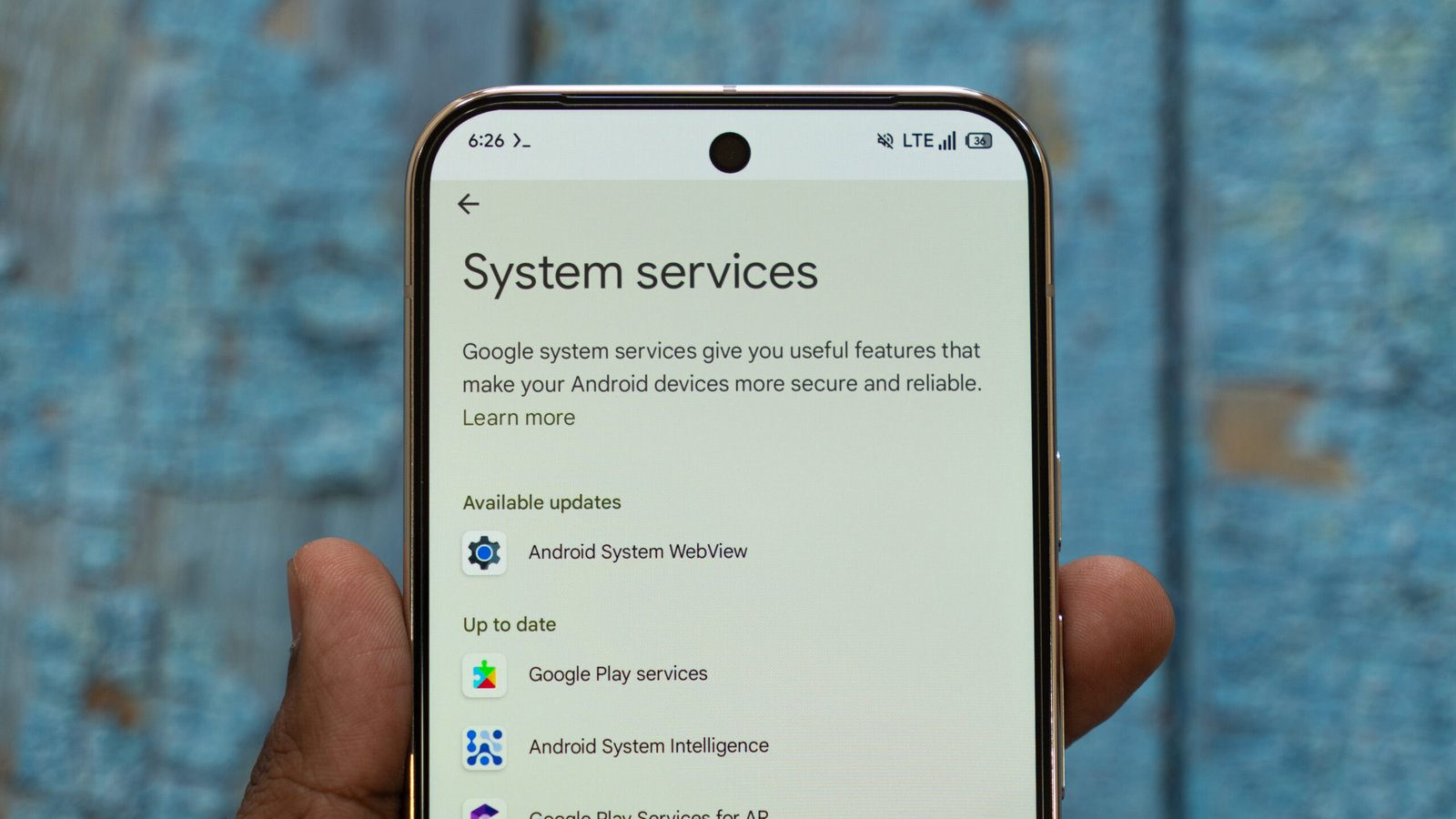
If you haven’t enabled automatic updates on your Android phone, you can check for the latest Play services updates by heading to Settings > Google settings > All services > Privacy and security > System services.

