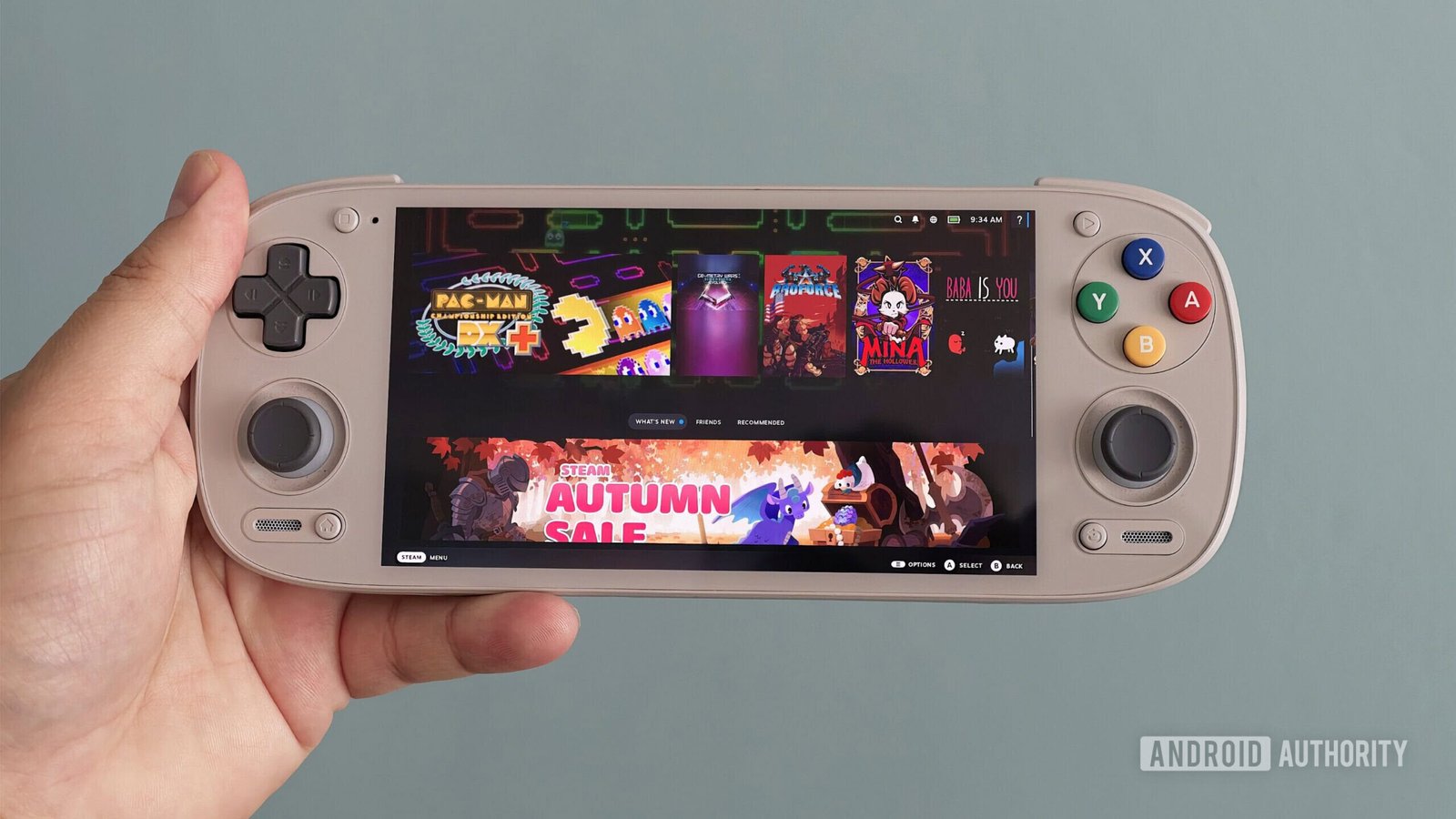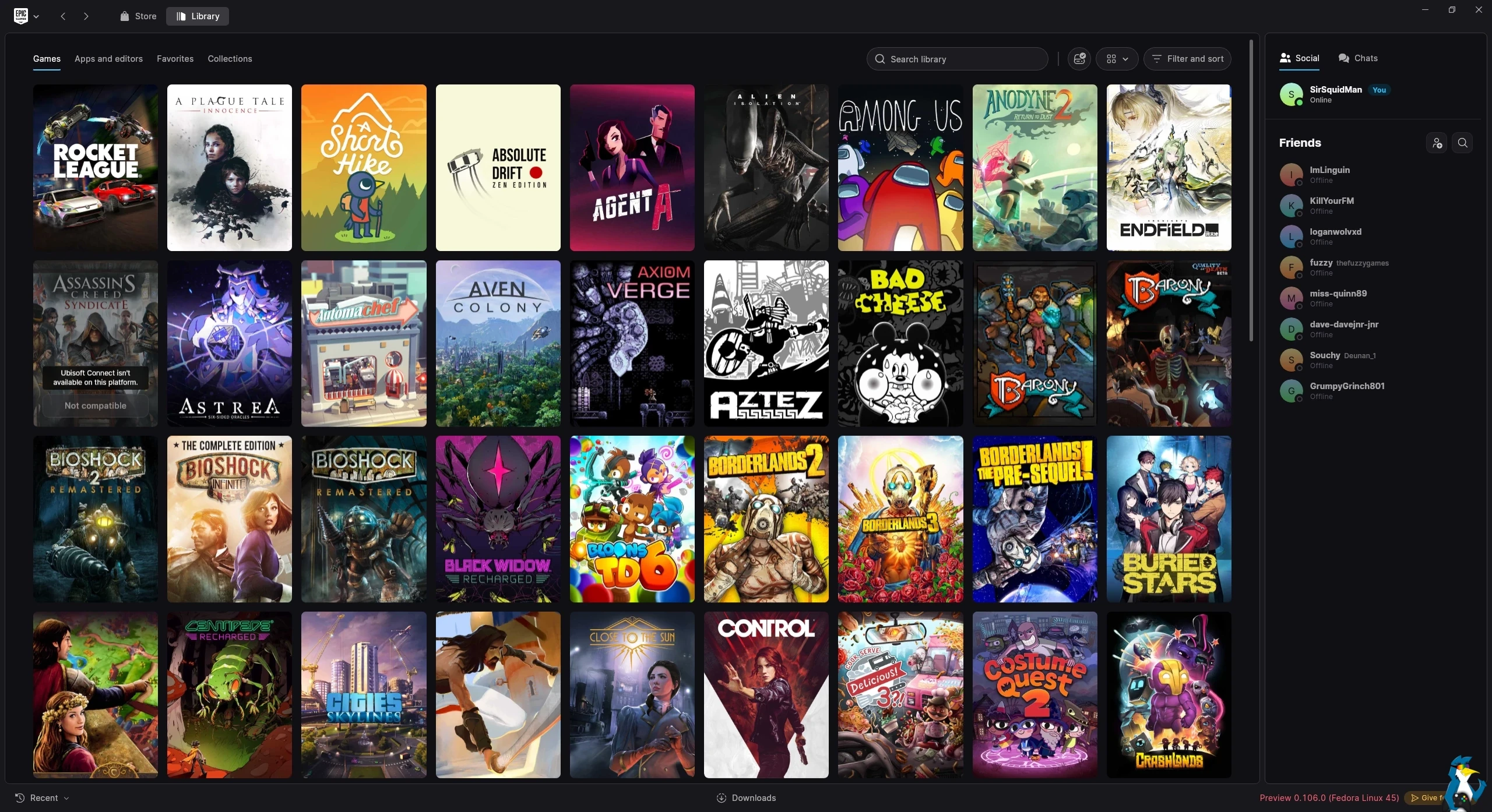
The in-development Epic Games Launcher Preview that has Linux support has seen another few updates, and now more Linux users should be able to actually login. Are you feeling the vibes yet?
Numerous users reported issues with the system keyring, which caused the Epic Games Launcher Preview for Linux in some cases to not even open, and for others just preventing logins at all – that should all now be solved. I previously rounded up some of the updates to the launcher, so here’s some more.
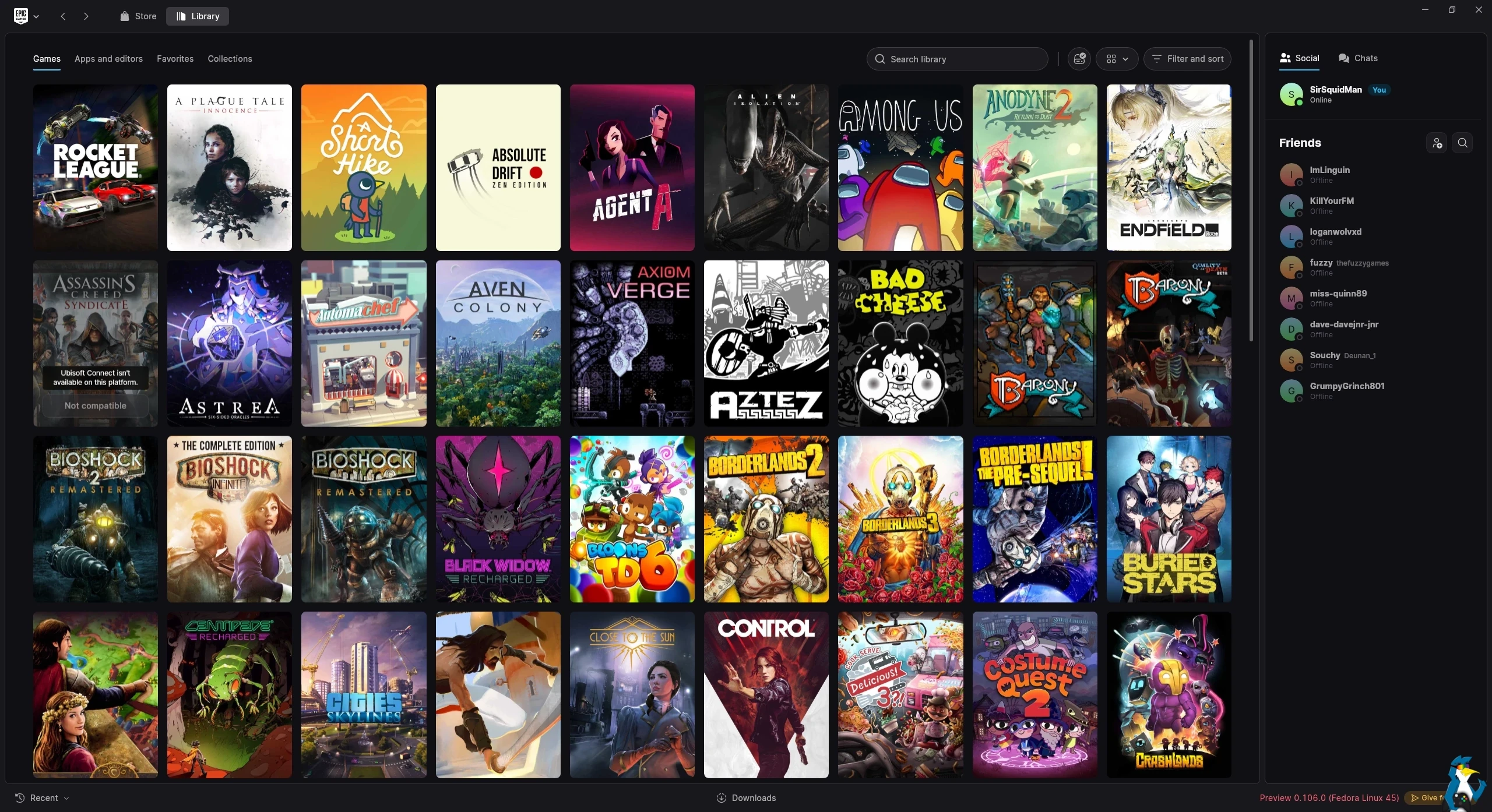
Changelog
Version 0.106.0 – October 29, 2026
Updates
- Opening Fab’s plugin search for an Unreal Engine version will now filter the results to that engine version.
Bug fixes
- Linux: A locked system keyring previously could have blocked the launcher from starting or would have signed you out.
- Linux: The chat notification setting was not being recognized.
- On occasion, the Library, catalog, and cover images failed to load on slower networks.
Version 0.105.0 – October 28, 2026
Updates
- A game and owned DLC will now be installed together as a single install operation.
- Linux: Local Unreal Engine installs can now be opened from the launcher.
Bug fixes
- One-click installs did not follow the shortcut choice made in the install dialog.
- The Library occasionally showed an incomplete list of games after an interrupted scan.
- Unreleased games in the Library did not show as Unavailable when preloads were turned off.
Version 0.104.0 – October 27, 2026
Updates
- A game with a pending update will now be updated before it launches.
- A Plugins tab is now available in both the Unreal Engine install and manage-modules dialogs.
Bug fixes
- The footer of the What’s New popup shown at startup could have appeared off-screen.
Version 0.103.0 – October 26, 2026
Updates
- On macOS and Linux, the Social Panel will now show an error state when it fails to load.
- The Library will now automatically refresh after you place an order from the Store.
- In the Unreal Engine tab, tools with updates available will now keep the Launch button and show an update notification dot.
Bug fixes
- Certain games in the Library showed buttons that did nothing instead of showing their preload date.
Version 0.102.0 – October 23, 2026
Updates
- A list view is now offered in the Unreal Engine module dialogs.
- Downloads will now wait for the network to become available instead of failing.
- The launcher will now check for game updates when you press Play and when a game closes.
Bug fixes
- Game updates failed when files were set to read-only.
- A preload that had not yet opened was shown as incompatible in the Library instead of as a pre-purchase.
- The Store showed a blank page when switching tabs.
Version 0.101.0 – October 22, 2026
Updates
- A select-all toggle is now available for add-ons in the install options.
- A spinner will now appear in the corner of the Store and Fab pages while the pages load.
Bug fixes
- The Play button in the Library used to differ in width between games.
- The close button was sometimes hard to reach from the corner of a maximized window.
It is quite quickly becoming quite usable, it will be interesting to see how it evolves long-term.