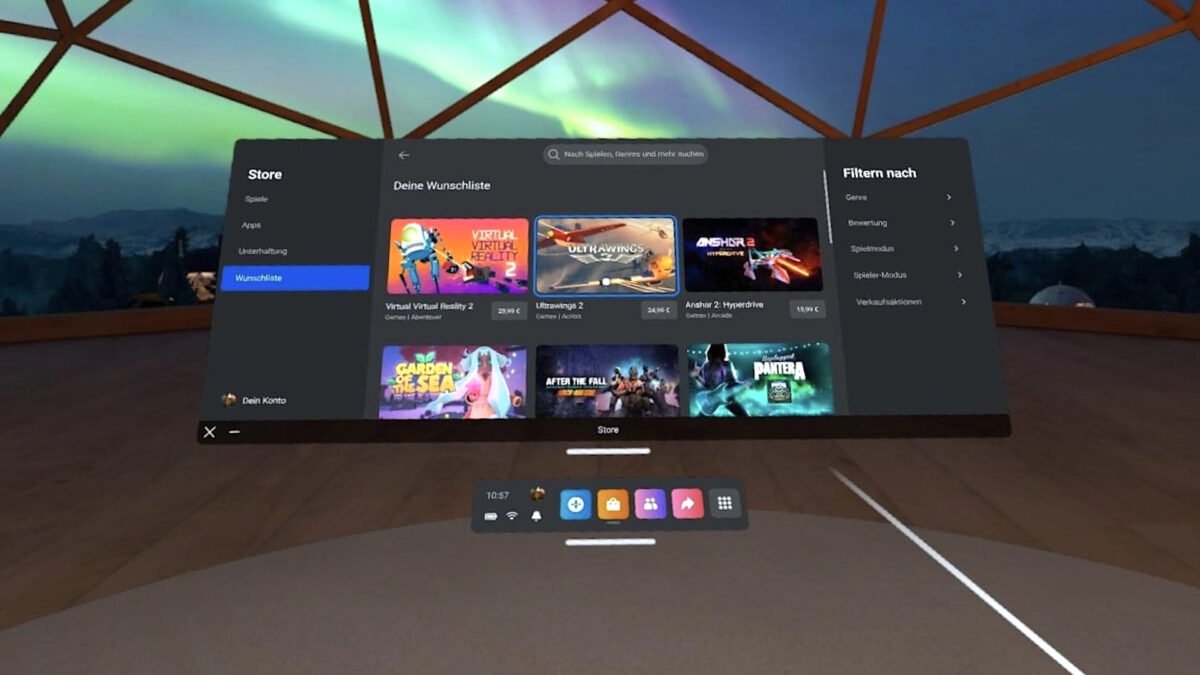

Image: Meta
Der Artikel kann nur mit aktiviertem JavaScript dargestellt werden. Bitte aktiviere JavaScript in deinem Browser und lade die Seite neu.
Ordinary Android apps on Quest can now open extra windows beside their main screen without becoming VR apps. Meta’s new VR Layout SDK lets a phone-style app place spatial windows around itself, while the app keeps its flat design and runs next to other open apps.

A Quest menu screenshot Meta published, showing recently used apps. Image: Meta
For Quest owners, this means a 2D app no longer has to squeeze everything into one floating screen. Meta’s own example is a cooking app that keeps the recipe in the main window and puts ingredients and a timer in panels beside it.
Developers keep their existing Android app and add windows around it
The SDK works with apps built in Jetpack Compose or React Native. Meta says developers do not need to adopt the entity-component architecture of its Spatial SDK, which is the toolkit for full immersive apps.
The Layout SDK cannot spawn 3D objects or change the user’s surroundings; that still needs the Spatial SDK. On Horizon OS versions older than v207, the SDK creates no spatial windows and uses a fallback layout instead.

Meta’s Gallery app for Quest. Image: Meta
Meta asks apps to show no more than two important side windows
Meta’s best-practice guide tells developers to design for one main window and no more than two important spatial windows at a time. The system decides how many windows fit, and the space is limited.
Spatial windows cannot be transparent, so each needs a solid background. Meta also asks developers to keep window size and position stable and to animate content inside a window rather than moving the window itself. Developers can test layouts in the Meta Spatial Simulator, but Meta says final placement should be checked on a headset.

A Quest settings panel for the virtual workspace, from Meta. Image: Meta
A new design kit gives Android apps Quest’s look and touch-friendly controls
Alongside the layout tools, Meta has released the VR UI Set SDK, a Jetpack Compose design system with dark and light colour schemes, typography, icons and standard controls such as buttons, sliders and dialogs. It succeeds the Horizon OS UI Set in the Spatial SDK and keeps every interactive target at least 48dp wide.
Input stays simple for developers. On Quest, look and pinch selects what the user is looking at, and the app receives ordinary touch events. Meta says the system does not share gaze data with these apps.
Meta has not said which apps will use the new windows first. It is the same push to bring familiar software into the headset that produced its Immersive Web SDK 1.0 for WebXR in September, this time aimed at Android app developers.
Note: Links to online stores in articles can be so-called affiliate links. If you buy through this link, MIXED receives a commission from the provider. For you the price does not change.