There’s a bit of a pattern I’ve noticed with the major AI labs and the LLMs they launch. One model will be excellent at practically anything you throw at it, while the next one can be an absolute letdown. I’ve seen this happen with models from Anthropic, OpenAI, and even open-weight offerings from the likes of DeepSeek and Alibaba’s Qwen.
There’s one company that’s been a pretty consistent disappointment, particularly when it comes to coding, though: Google. I’ll explain more below, but on September 30, Google announced its latest frontier model: Gemini 4 Argon. The company made some pretty bold claims about its coding capabilities, positioning it as one of the best models for complex software engineering tasks.
Given Gemini’s history of letting me down in precisely that department, I was skeptical, to say the least. Still, in the interest of giving it a fair shot, I decided to put Gemini 4 Argon up against Claude Opus 5.5.
Gemini has a history of letting me down
On paper, Argon looks like a massive upgrade

I’ve been one of the biggest advocates of Google’s AI efforts. NotebookLM, for example, is still the AI tool I use most, and I could ramble on about Google’s other AI experiments for hours. When it comes to coding, though, Gemini and I have a rather complicated relationship.
I’ve put Gemini’s models up against Claude and ChatGPT multiple times for all sorts of coding tasks. This includes building Chrome extensions, recreating apps from screenshots, developing portfolio websites, and even building my dream note-taking app from scratch. While the results have varied, there’s one pattern I’ve noticed across almost every experiment: Gemini always seems to be in a hurry to finish the job.
It rarely goes beyond the bare minimum, often leaves features unfinished, and sometimes calls a project complete before even checking whether it runs properly. In one experiment, Antigravity built a portfolio website containing just seven of my 400-plus published articles, despite being explicitly asked to include them all. In another, it handed me a note-taking app with several requested features missing and an error that prevented it from launching properly.
This isn’t exclusive to one Gemini model, either! I’ve noticed similar shortcomings across different generations, even with higher reasoning settings enabled. Claude and ChatGPT have certainly disappointed me too, but their weaknesses tend to vary from experiment to experiment. Gemini, meanwhile, has repeatedly fallen short on both the technical implementation and the frontend experience.
Gemini 4 Argon caught me completely off guard
Gemini finally understood the assignment
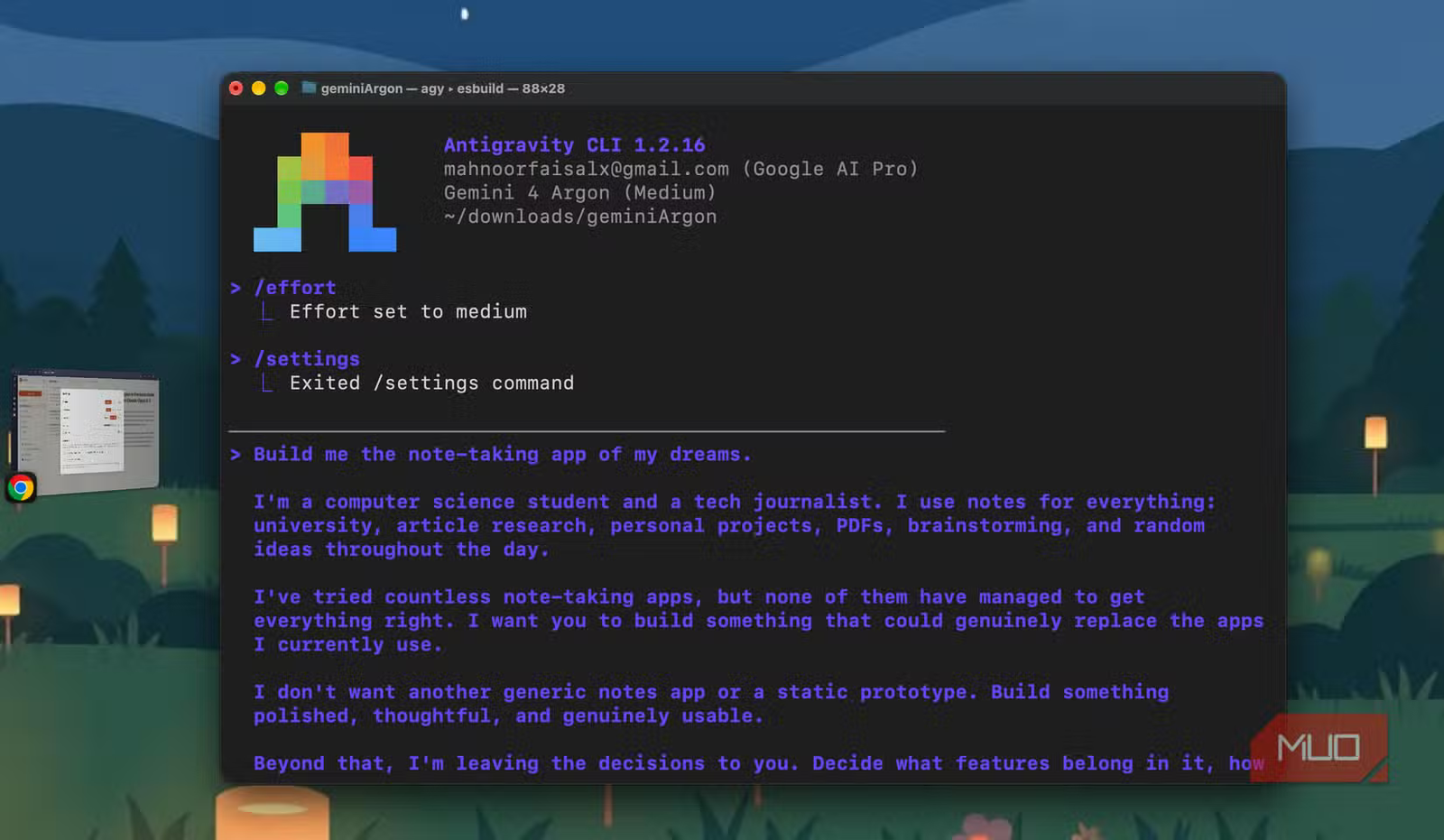
I decided to put Argon to the test using an experiment I’d carried out recently, where Gemini had let me down massively. I headed to both Claude Code and Antigravity and instructed them to build me my dream note-taking app.
Whenever I do these experiments, I make it a point to keep my prompts deliberately vague rather than spelling out every single feature I’d like to see. I’ve found that most AI coding tools are already pretty good at following a detailed set of instructions. What I’m more interested in is seeing how well they can fill in the gaps themselves.
Given that Gemini’s biggest weakness in my previous experiments has been doing little more than the bare minimum, I figured this would be the perfect way to see whether Argon was any different. I used Opus 5.5 for Claude Code on the default Medium effort setting, and Gemini 4 Argon in Antigravity on Medium effort as well. After tweaking the settings of each tool a bit to ensure both could work without constantly asking me to approve commands or file changes, I let them get to work.
Right off the bat, I noticed Gemini 4 Argon taking its sweet time. It did end up completing the initial build around 20 minutes before Claude Code, but it wasn’t rushing through the process. It began by checking the development environment, figuring out what technologies to use, and making decisions about how the app should be structured.
The way it interpreted my prompt caught my attention, too! I’d mentioned being a computer science student and a tech journalist, and instead of treating those details as background information, Argon seemed to build the entire app around them. It decided to create a local-first knowledge workbench with features specifically designed for research, writing, studying, and coding.
Interestingly, it didn’t stop there. It came up with an infinite canvas for brainstorming, an Obsidian-like knowledge graph for connecting notes, executable code blocks for programming, spaced-repetition flashcards for studying, and even a fact-checking ledger for keeping track of claims and sources in my articles. It also included a Markdown editor with multiple viewing modes, PDF support with citation linking, and a local vault for storing notes as Markdown files.
None of these were features I’d asked for, and this was a massive step up from previous Gemini models that wouldn’t even fully create what I’d explicitly asked for!
Actually using the app was just as impressive
For once, the reality matched the promises
Now, everything I’ve discussed above was based on what Argon had told me in Antigravity. I hadn’t actually used the app yet, and for all I knew, it could’ve been a complete disaster. It had spun up a local server with the app running, and it was finally time to see what it had built.
I’ve been let down far too many times by Gemini’s frontend skills, so I was bracing myself for more of the same. My immediate reaction this time, though, was “wow.” Yes, the interface was fairly cluttered, and there was a lot going on, but that was largely because Argon had populated the app with a ton of sample data to demonstrate its features.
Beyond that, the overall design felt surprisingly cohesive. The warm color palette, typography, and layout all worked well together, and for once, it didn’t look like another generic vibe-coded app with a dark background and purple gradients.
More importantly, it actually felt like an app designed around my needs rather than a bunch of unrelated features thrown together. The writing interface had its own fact-checking ledger, the spatial canvas let me visually connect research and ideas, and there was a dedicated flashcard system for studying.
I could actually see myself using several of these features regularly.
Not everything worked perfectly on the first try
It wasn’t without its problems, though
Argon had created a dedicated Markdown vault where every note was automatically saved as an individual .md file. So, all the data was stored locally on my Mac. I particularly liked this because it meant my notes weren’t locked into the app, and I could access them directly from my file system if I wanted to.
There were a couple of hiccups, though. Initially, the local vault wasn’t loading properly, and I was greeted with a “Cannot GET /” error when I tried accessing it. So, I headed back to Antigravity, explained what was happening, and Argon got to work fixing it. It updated the server configuration, added a proper vault explorer, and got everything running.
Then, I ran into another issue where the main interface kept refreshing every few seconds. Again, I went back to Antigravity, and Argon figured out that the app’s automatic file syncing was triggering a continuous refresh loop. It made a few changes to how the development server watched files and how notes were synced, and that resolved the issue too.
Unlike some of my previous experiences with Gemini, where I’d spend several rounds going back and forth only to end up with another broken implementation, this time it actually seemed to understand the problem and how to solve it! So, Argon 4 defintiely seems like a massive step-up on all accounts.
Claude was a bit of a letdown this time
It played it safe, but played it well
Now, Claude Code took a completely different approach to the exact same prompt. Claude’s version was much closer to what you’d expect from a conventional note-taking app. It had a clean, minimal three-column interface, notebooks, nested tags, daily notes, tasks, a rich-text editor with slash commands, and PDF support. The design was polished, and I’d even argue that it was easier to navigate than Gemini’s version at first glance.
Compared to what Argon had built, it felt a little too safe. There wasn’t anything wrong with the app, but almost every feature was something I’d already seen in other note-taking tools. Given that I’d deliberately left the prompt open-ended, I was hoping Claude would come up with something a little more ambitious, especially considering how well it has handled similar experiments for me in the past.
To Claude’s credit, though, it clearly put a lot of effort into testing what it had built. It ran 32 unit tests and 12 end-to-end browser tests, caught several bugs on its own, and fixed them before handing over the app. That’s something Argon didn’t quite manage, since I had to point out a couple of issues myself.
So, while Claude arguably took the more disciplined approach to building and testing the app, Gemini was the one that surprised me with its product decisions. For once, Google’s model had gone far beyond the bare minimum, and it had actually come up with something that felt specifically designed for me!
While I don’t think I’d go as far as calling Argon 4 the best coder in the world, I can now confidently say that it’s a massive step up from the Gemini models I’ve tested in the past.