
Der Artikel kann nur mit aktiviertem JavaScript dargestellt werden. Bitte aktiviere JavaScript in deinem Browser und lade die Seite neu.
Gemini is putting reusable instructions and app connections in a single Customize menu, giving users one place to manage how the assistant works. The hub brings together skills for repeat tasks and services that Gemini can use during a conversation.

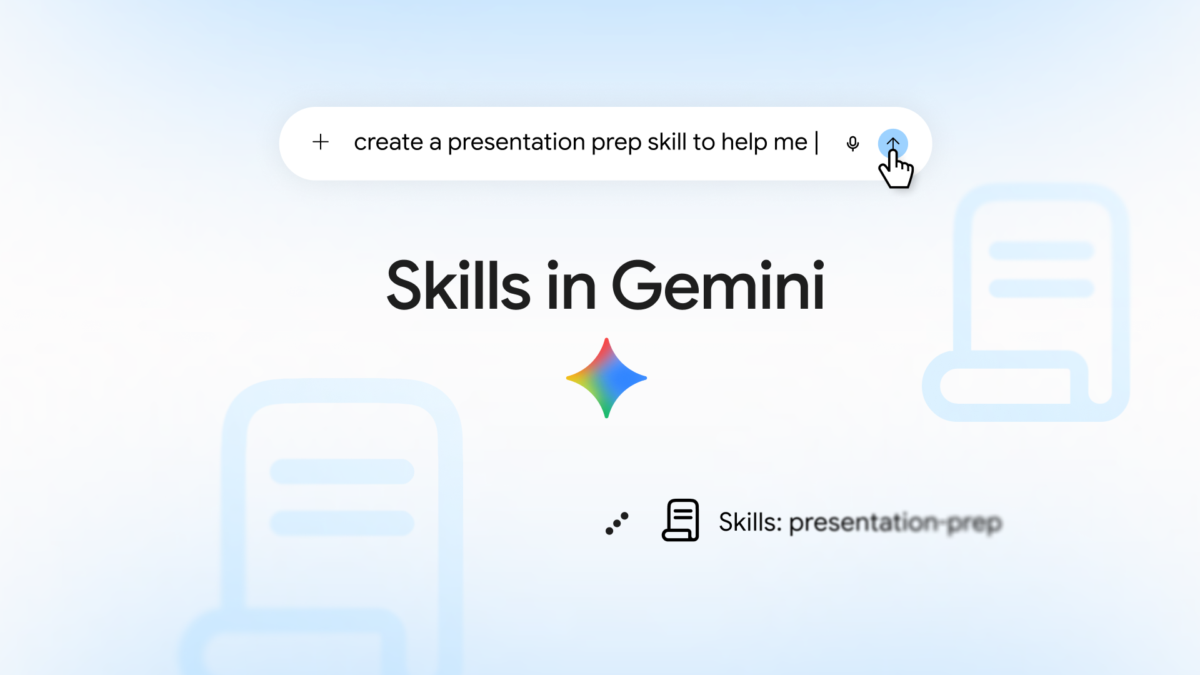
Google’s artwork highlights the expanding set of services that connect to Gemini. Image: Google
Google detailed the change on October 21. The rollout started October 13 and can take up to 15 days across web, mobile and the Gemini desktop apps for Windows and macOS.
Skills save the instructions you would otherwise repeat.
A skill can preserve a writing style, apply a recurring format or guide a familiar workflow. The Customize menu provides a place to add and manage those preferences alongside the apps used to carry out the work.
Google has already announced the transition from Gems to skills. This update concerns how those controls are organised in the app, rather than another replacement for the feature.
To find the hub, open Gemini’s left navigation menu and select Customize. The same space lets you explore connected services and inspect the permissions you have granted.

Gemini’s related business tools also combine reusable guidance with connected services. Image: Google
The menu’s global rollout does not make every connection available everywhere.
Google lists support for more than 40 external services as well as its own apps. The Customize menu is rolling out to all user tiers, including personal accounts, Workspace Individual and Workspace customers.
Individual integrations have narrower availability. Most connected apps are currently offered in English in the US, with selected apps also reaching other English-speaking regions, Brazil and India.
The distinction is useful when a colleague can connect a service that does not appear in your account: seeing the new menu does not mean the entire catalogue is available to you.
Google’s Connected Apps settings allow users to review and disconnect services. In managed organisations, administrators can also control integrations through the Gemini section of Additional Google services in the Admin console. Those permissions continue to apply when apps appear inside the new hub.
Note: Links to online stores in articles can be so-called affiliate links. If you buy through this link, MIXED receives a commission from the provider. For you the price does not change.