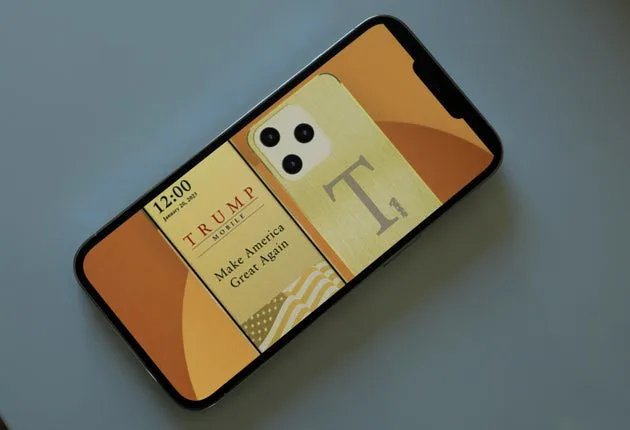
Brick Night puts a new condition on opening your favorite time-wasting apps: where your phone is. The $129 bedside device, launched October 22, uses Bluetooth proximity to block selected apps during hours you choose. Step outside its configured zone, or reach the end of that window, and the Night restriction lifts. You don’t have to tap a separate device each evening to start it.
See Brick Night at Brick: $129
It’s a zone, not a doorway
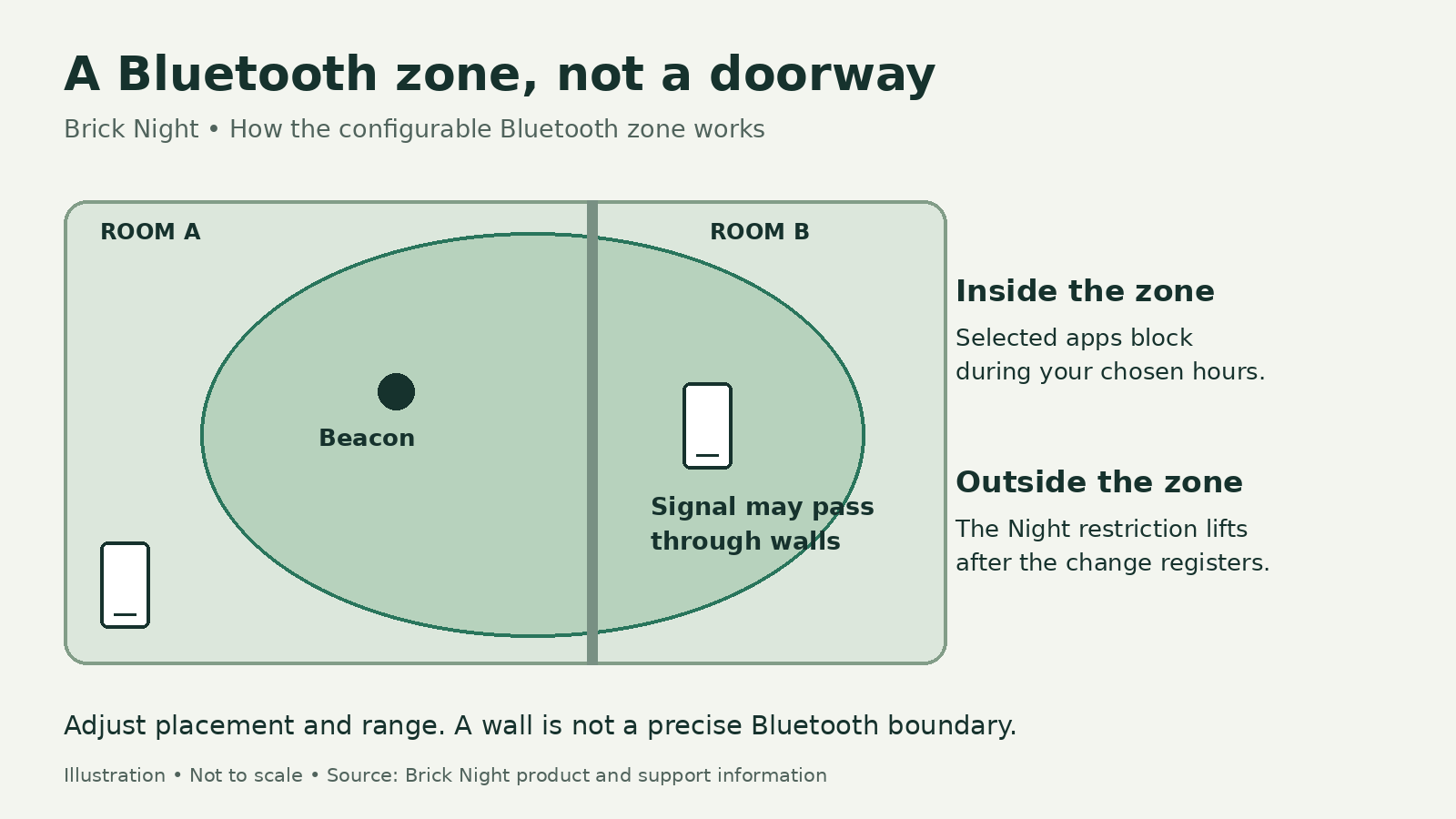
Setup happens in the Brick app. You choose a mode, the apps and websites to block or always allow, and a time window. Then you adjust the device’s range around the space you want covered. That lets the same phone remain available for other uses without leaving every distracting app within reach.
The configured space can be up to 25 by 25 feet, but Bluetooth doesn’t follow your floor plan. Signal strength estimates how close your phone is to the device, and the signal can pass through walls. A bedroom installation could also catch part of the adjoining living room. Placement and range adjustments can help, while furniture, liquids and metal can interfere with detection.
There’s also a 3–5-foot buffer around the boundary you set. Range changes typically register in under 10 seconds, but can occasionally take up to 45 seconds. Don’t expect stepping over the bedroom threshold to act like an instant switch; leaving the zone can take a few extra steps or seconds.
Sharing a room doesn’t require sharing one person’s restrictions. Multiple people can connect to one Brick Night, with separate modes, hours and ranges. Phones that haven’t been configured aren’t affected. One unit can’t cover multiple separate spaces simultaneously.
There’s an emergency exit
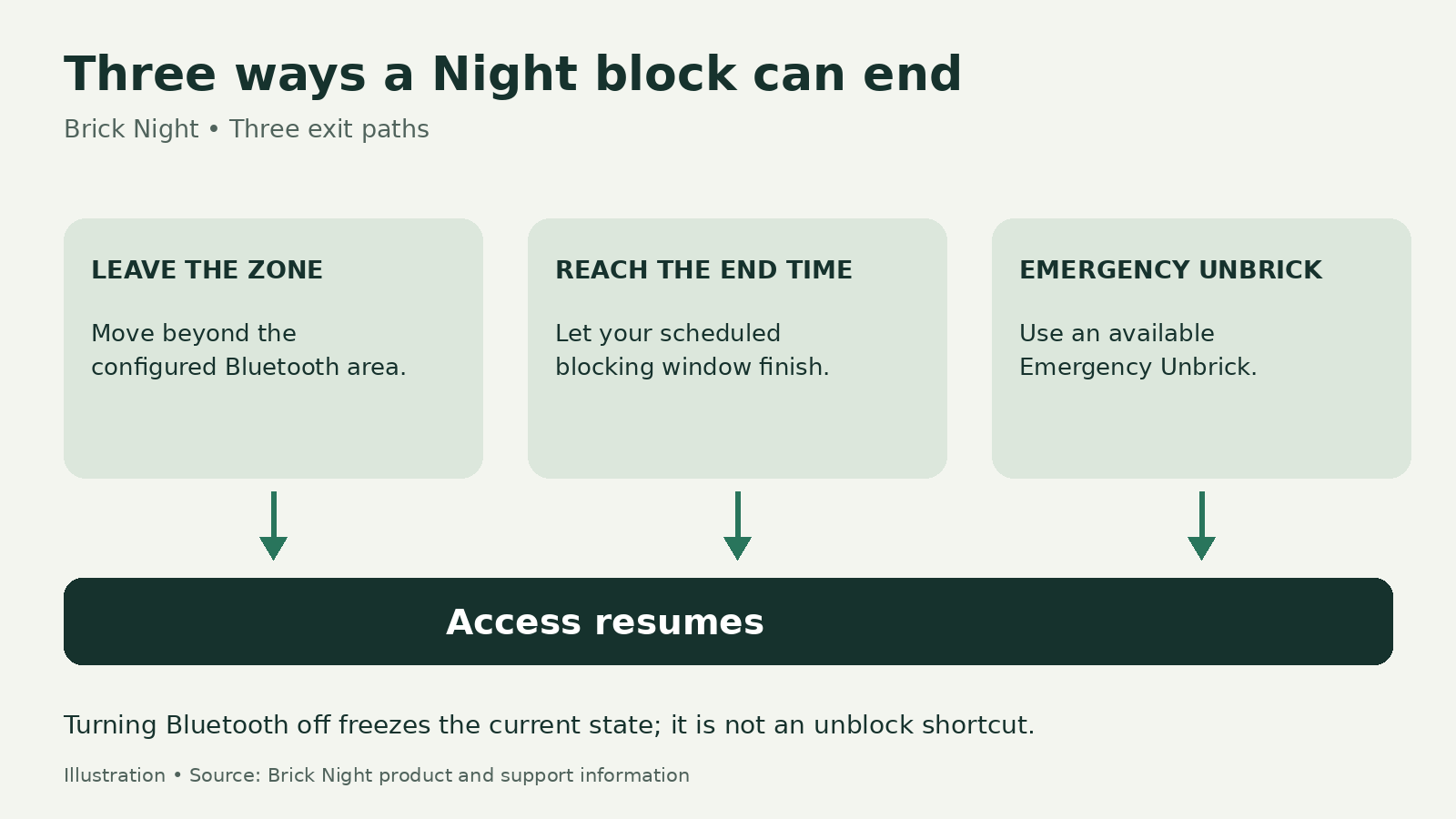
Leaving the zone and reaching the end of your scheduled window are the normal ways to end a Night block. An Emergency Unbrick option in the app also provides access when you can’t leave the area.
Turning Bluetooth off freezes the phone’s current blocked or unblocked state until you turn it back on. Keep Bluetooth and the required permissions enabled for the location trigger to work.
You don’t need the original Brick to use Night. If you already have one, though, tapping it won’t end a Night session. The original $59 Brick supports taps and schedules; Night adds a Bluetooth proximity condition to the hours you’ve chosen.
What your $129 includes
The Midnight Blue unit measures 73 by 73 by 45 millimeters and comes with two CR2477 batteries. It doesn’t need charging or a home Wi-Fi connection for proximity detection. Initial app setup, updates and some online features can still need internet access.
Brick Night works with iPhone and Android. The current iPhone app requires iOS 18 or later, so check compatibility before ordering. Companion-app access is included with the hardware purchase; there’s no current recurring subscription charge.
Location-based blocking isn’t unique to dedicated hardware. AppBlock already offers address-based schedules through iOS Location Services. Night instead uses a separate Bluetooth beacon, with proximity decisions processed on your phone rather than GPS coordinates. That doesn’t mean all app data stays on the phone: device configuration and session events can still reach servers.
Brick Night is available directly from Brick for $129. Its specific appeal is making your chosen space part of the blocking rule, without adding a nightly tap.
See Brick Night at Brick: $129
Product photo: Brick. Explanatory illustrations: The Gadgeteer.
Love our content?
Sign up for our newsletter today.
No ads, no spam, just links to our latest articles!