That is, until you rely on one of its coolest new features at a gig, as I learned the hard way.
It was all a blur (literally)
Magic Capture is one of those camera features that sounds like a gimmick but actually isn’t. The feature uses AI to capture the best possible stills while you’re recording video. I was more than a little sceptical when it was first announced, but trying it out undoubtedly changed my mind.
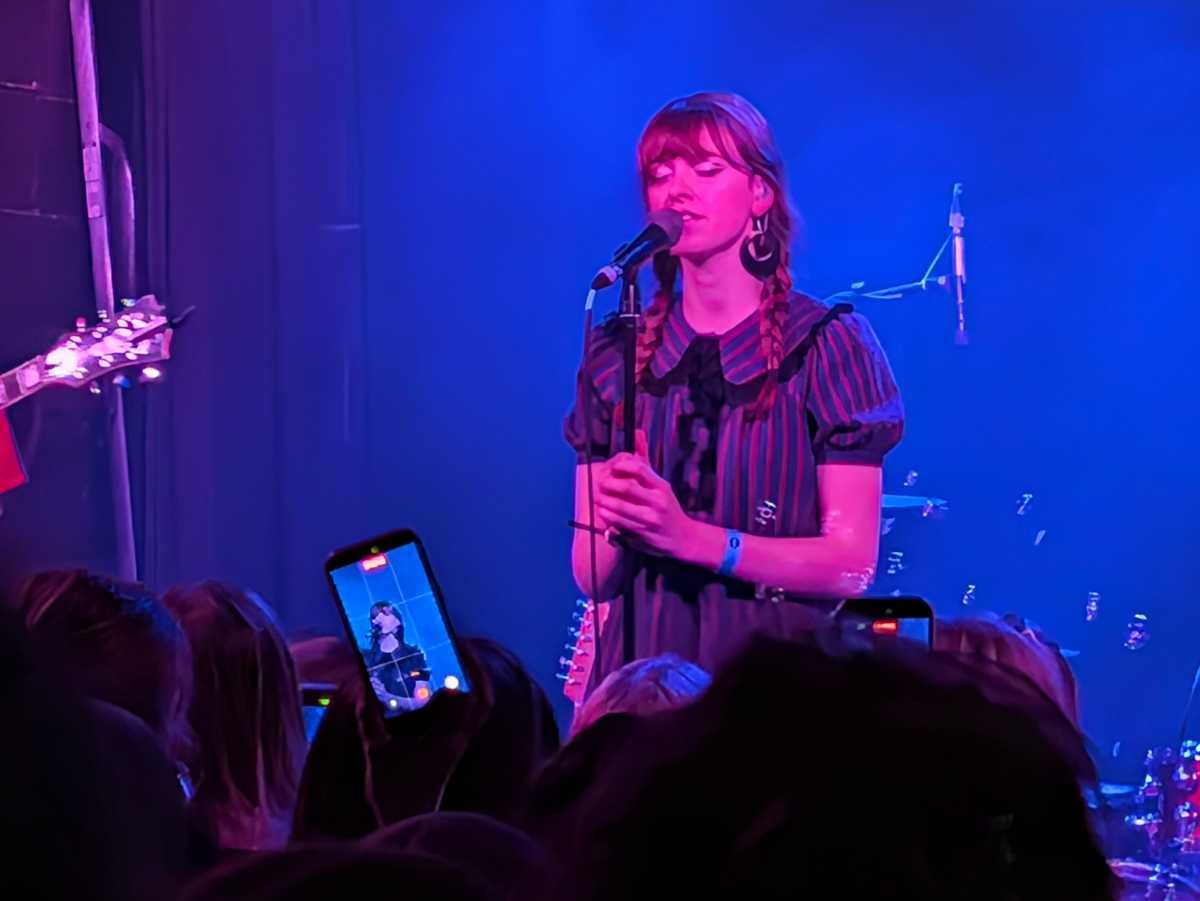
So, when I saw indie rocker Chloe Slater a few weeks ago (I’d highly recommend, btw), I had little hesitation in turning to Magic Capture. I could simply hold the phone up for about a minute, enjoy the gig and not worry about missing out on great stills at the same time.
At least, in theory. While footage in the viewfinder looked a little off, I didn’t think much of it – Google often performs its computational processing wizardry after content is captured.
However, after getting home, I realised that something was seriously wrong. The crystal-clear video I’d taken in regular mode was nowhere to be seen, replaced with a blurry, unusable mess. And of course, that meant all the stills were ruined too – even Google’s post-capture edits couldn’t save them.
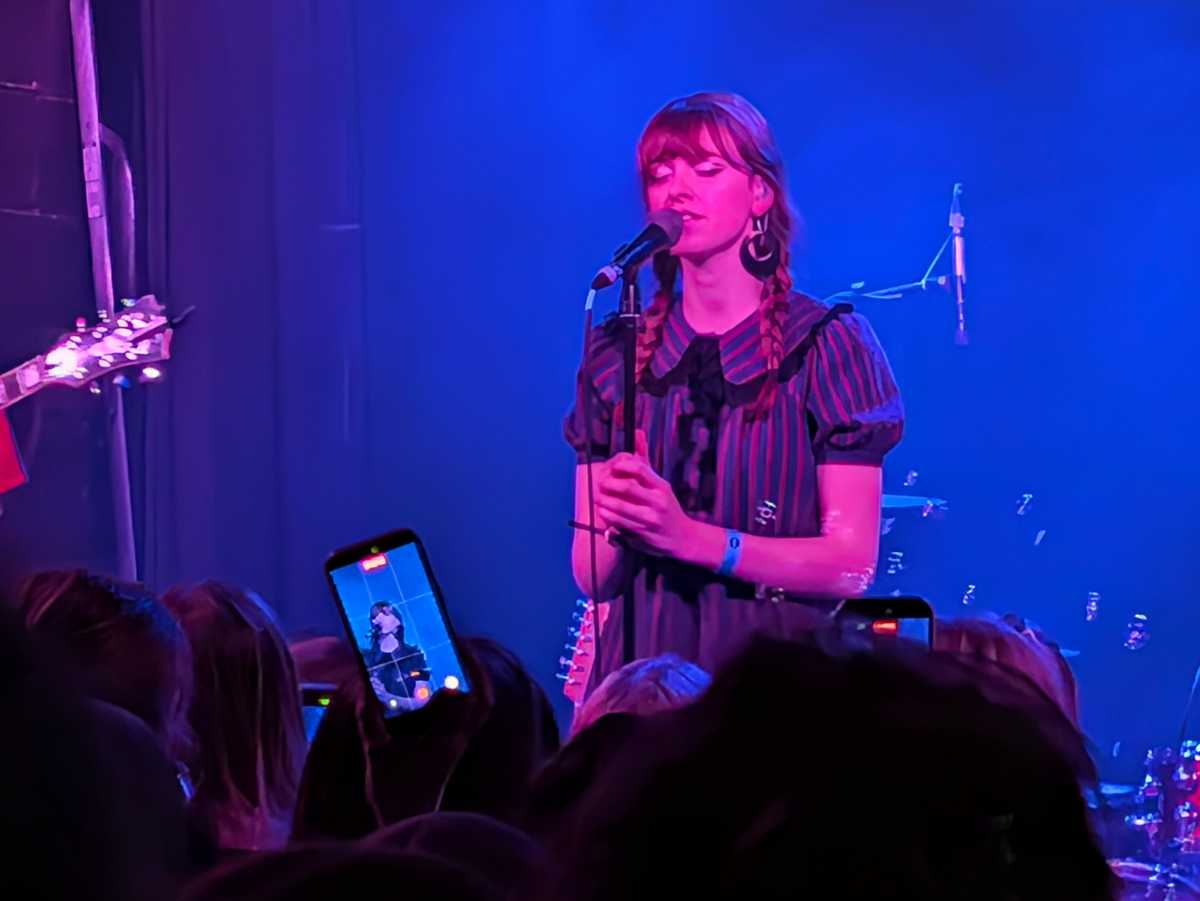
Anyron Copeman / Foundry
And that’s when I saw it. A dedicated Magic Capture settings window, a simple tap away, with the all-important option I’d missed: Video Boost.