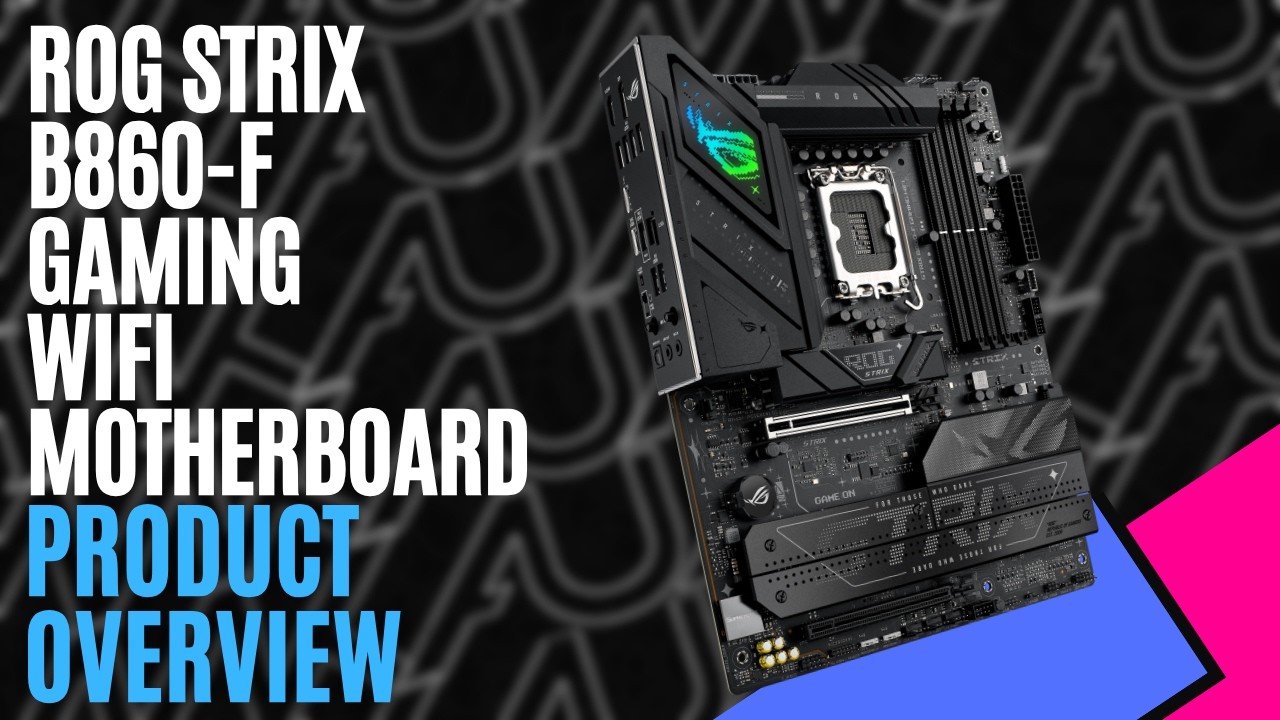

Building a modern gaming system means balancing what you need now with upgrades you might add later, and the motherboard plays a big role in both. The ROG Strix B860-F Gaming WiFi motherboard targets Intel Core Ultra builders, pairing the B860 chipset with plenty of storage, fast DDR5 memory, PCIe 5.0, and a generous range of connectivity options.
Using the standard ATX form factor, the board measures 30.5cm x 24.4cm, giving everything plenty of room to breathe. Cooling connections include dedicated CPU and optional CPU fan headers, an AIO pump connection, and another four chassis fan headers spread around the board.
Built around the LGA1851 socket, the ROG Strix B860-F Gaming WiFi supports Intel Core Ultra Series 2 processors. The four DIMM slots support up to 256GB of DDR5 memory and speeds up to 9066MT/s through overclocking, depending on the processor and memory configuration. Intel XMP is supported alongside ASUS AEMP III, while DIMM Fit can analyse installed memory to help optimise performance and identify potential issues.
Storage is particularly generous, with four M.2 slots alongside four SATA 6Gb/s connections. The primary M.2 position supports PCIe 5.0 x4, while the remaining three offer PCIe 4.0 x4. Heatsinks help keep the drives under control, while ASUS’s M.2 Q-Latch, Q-Release and Q-Slide systems make installation considerably easier without dealing with tiny screws.


One limitation is that the fourth M.2 slot shares bandwidth with the secondary PCIe 4.0 x16 slot. Installing an SSD in that position disables the corresponding expansion slot.
For graphics cards, the primary PCIe slot supports PCIe 5.0 x16 and uses ASUS’s reinforced SafeSlot design. PCIe Slot Q-Release Slim also makes removing larger graphics cards easier once everything else is installed.
ASUS has also included plenty of its usual builder-friendly features. Q-LED indicators provide quick information on the CPU, DRAM, graphics, and boot device during startup, while BIOS FlashBack and Clear CMOS buttons sit directly on the rear I/O. A pre-mounted I/O shield, onboard Start button, and ASUS Q-Antenna continue to make installation and troubleshooting a little easier.
Connectivity is another strong point. The rear panel offers nine USB connections, including Thunderbolt 4, a 20Gbps USB-C port, a 10Gbps Type-A connection, and six USB 5Gbps ports. DisplayPort and HDMI are also available for processors with supported graphics, while internal headers provide additional USB connectivity through your case.
Intel 2.5Gb Ethernet, Wi-Fi 7, and Bluetooth 5.4 handle networking, giving you plenty of flexibility whether you’re wired or wireless.


Audio comes courtesy of the ROG SupremeFX ALC4080 codec, supported by a Savitech amplifier, premium capacitors, and SupremeFX shielding. Optical S/PDIF is also available on the rear panel.
As part of the ROG lineup, it also includes the usual software. Armoury Crate handles Aura Sync and Fan Xpert 4, TurboV Core provides supported tuning from within Windows, and NPU Boost can push the NPU inside compatible Core Ultra processors further with a single BIOS setting. Three Addressable Gen 2 headers also provide plenty of room for RGB expansion.
Visually, the ROG Strix B860-F Gaming WiFi sticks with the familiar ROG aesthetic, combining a black PCB with large VRM and M.2 heatsinks, colourful accents and Aura Sync lighting without going completely overboard.
The ROG Strix B860-F Gaming WiFi packs plenty into Intel’s B860 platform. Four M.2 slots, PCIe 5.0, fast DDR5 support, Thunderbolt 4, Wi-Fi 7 and a strong selection of USB connections provide plenty of room for a system to grow. At the same time, ASUS’s Q-Design features continue to make building, upgrading and troubleshooting considerably less frustrating.