I use Android Auto every day, and honestly, I keep coming back to the same apps. Google Maps for directions, Spotify for music, and WhatsApp for those last-minute messages. It works, but there’s more to Android Auto than the apps I open out of habit.
Last week, I went looking for apps that could actually make my drives more useful, not just give me another way to play music or get somewhere. I came across a few that I wouldn’t have thought of looking for on my car’s screen, including one for tracking fuel expenses and another for finding parking.
I’ve been trying these four apps, and each one brings something different to Android Auto.
Here’s what stood out.
SpotHero
No more “Where’s my car?”

I hate driving somewhere new and then spending another 15 minutes looking for parking. It’s even more annoying when I’m running late and have to circle the same block, hoping someone pulls out of a spot. That’s where SpotHero comes in handy. It lets me find and reserve parking before I arrive, so I can check available garages and lots near my destination instead of figuring everything out at the last minute.
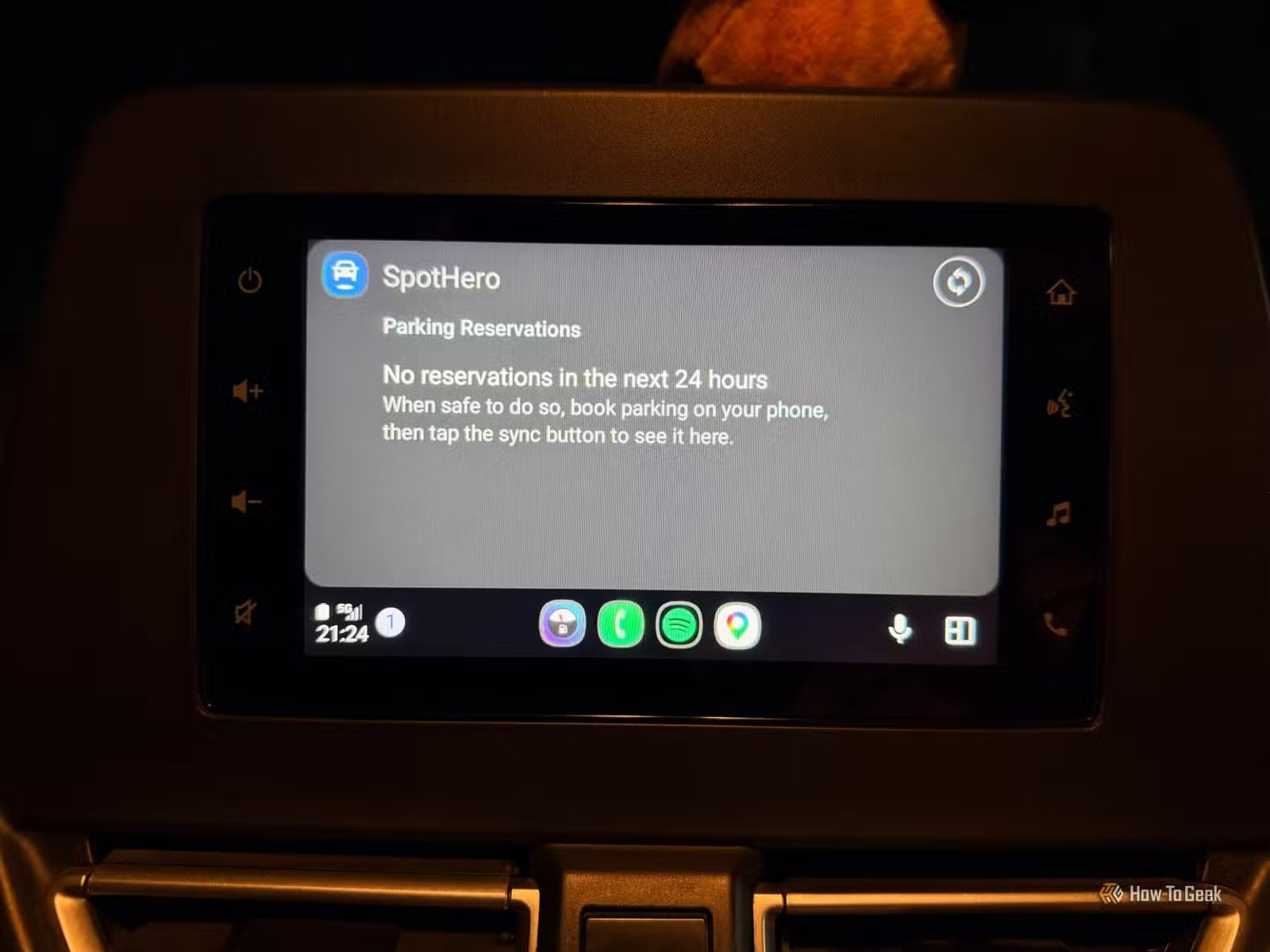
With Android Auto, I can access my existing reservations and navigate to the parking facility right from my car’s screen. I still need to book and pay through the SpotHero app or website first, but having the reservation details handy is useful when I’m on the road.
Just keep in mind that SpotHero mainly serves drivers in the US and Canada.
Fuelio
I have someone to watch my fuel spending

I never think much about my fuel expenses. But with all the driving I do for errands and my daughter’s classes, I’d like to know how much I’m actually spending each month. Right now, I’d probably struggle to give you even a rough estimate.
Fuelio lets me log each fill-up from my dashboard, so I can check my mileage and fuel costs without digging through my phone. I enter how much I paid and how much fuel I added, then use those records to see what I’m spending over time. It’s also handy for comparing fuel prices between stops.
Fuelio lets me check nearby fuel prices and review my mileage or trip logs from the car’s display. I can also access a simplified fill-up screen. I’d still enter details when the car is parked, but having these options in Android Auto makes the app more useful than a basic fuel expense tracker.
Pocket Casts
It makes every drive a listening session

I’m the kind of person who needs something playing in the car. Music is my usual choice, but sometimes I get tired of hearing the same songs on repeat. I’ve tried putting on podcasts before, but finding an episode I want to hear can turn into another thing to fiddle with on my phone. That’s where Pocket Casts comes in.
I can browse my podcasts, pick an episode, and manage my listening queue. On Android Auto, I can access supported playback controls from the car’s screen, which makes it easier to pick up where I left off without handling my phone. I like having something longer to listen to when I’m driving across town or stuck waiting in traffic.
The best part is that I don’t have to choose between music and podcasts for every drive. If I’m in the mood to hear people talk about a topic I’m interested in, I can switch to a podcast instead of skipping through half my music library looking for something different.
Samsung SmartThings
I can control my smart home from the car

You probably wouldn’t expect Samsung SmartThings in a list of Android Auto apps, but here we are. I usually think of Android Auto as a place for Maps, music, and messages, not controlling things at home. But SmartThings lets me select up to six compatible devices to access from my car’s screen.
I can switch on compatible lights, start my robot vacuum, or even kick off a load of laundry while I’m out. That way, a few chores can be taken care of before I get home. I don’t have to pull out my phone and open SmartThings separately to access these controls.
It’s an unexpected use for Android Auto.
I gave my Android Auto a purpose beyond Maps and music
I didn’t expect to find apps that would change how I use Android Auto, but these made me rethink what belongs on my car’s screen.
I’m still figuring out which ones I’ll use most often, but I like having options beyond my usual routine.
Try the ones that fit your daily life and see which ones stick. Sometimes the most useful addition is an app you wouldn’t have thought to look for in the first place.