
Andy Walker / Android Authority
Add Android Authority on Google:
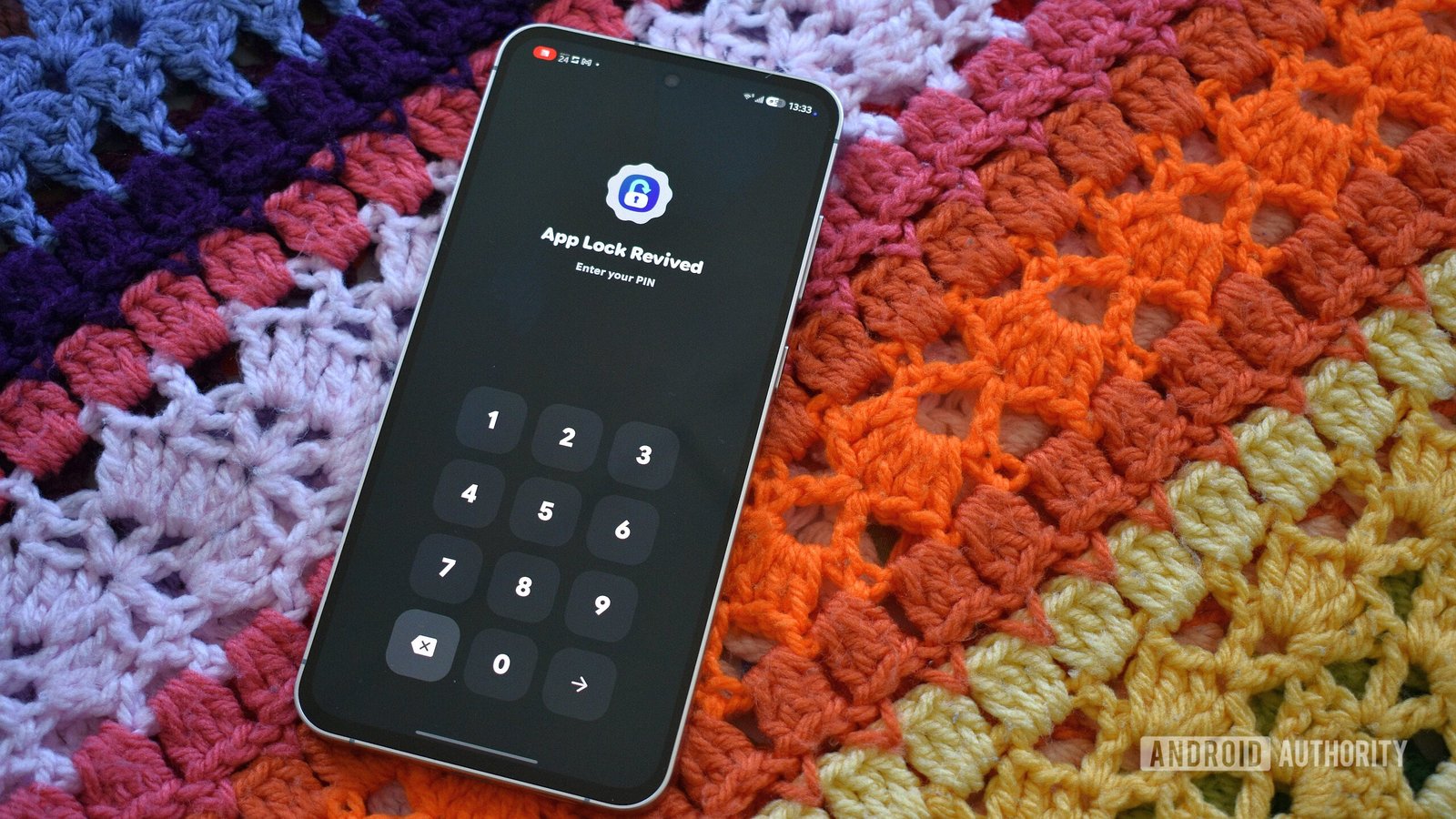
While those running the latest Android 17 QPR3 beta build also have access to app lock smarts, most Android users have no access to it, and likely never will unless they upgrade. But, thankfully, there’s a free, open-source solution to this problem. It’s simply called AppLock Revived, and it’s the easiest way to bring Samsung’s latest security feature to your Android phone.
What is AppLock Revived, and how do you install it?

Andy Walker / Android Authority
AppLock Revived is a fork of the legacy AppLock project on GitHub, which was my personal app-locking solution for several months. However, since it’s no longer regularly maintained, I turned to one of its starred forks. Revived continues App Lock’s core functionality, but adds more polish, a Material 3 Expressive coat, and several additional features that further enhance the experience.
Which apps do you feel need a secondary lock the most?
0 votes
Let’s start right at the top. Setting up AppLock Revived might seem a little daunting, but the app handholds users through the entire process. Since it’s not listed on the Google Play Store, you’ll need to grab it directly from GitHub.
How to install AppLock Revived through Obtainium:
- Visit the official Obtainium website and tap the Download Universal APK button to download its latest version.
- Once downloaded, install Obtainium. You may need to enable Install unknown apps.
- Next, open Obtainium, tap + Add, and paste AppLock Revived’s GitHub address ( in the App source URL field. Tap the + button.
- Tap Install.
Once installed, you’ll be asked to enable various settings and verify some required permissions, including the option to Display over other apps and skirt battery optimization.
AppLock Revived features and functionality

Andy Walker / Android Authority
AppLock Revived, like the app it’s based on, offers users three distinct implementations: using Android’s Accessibility service, using Android’s usage statistics, or using Shizuku. The latter requires its own installation method, so if you’re just giving AppLock Revived a try, pick the first option.
Users can add as many apps to the lock list as desired, and AppLock Revived makes this process as simple as flicking a toggle. There are also distinct per-app settings, too, allowing more control over which unlock level is required. I particularly like the Two-step option, which uses both biometrics and PIN to unlock the app. Users can also lump apps into profiles — Home, Work, Guest, or user-created profiles — and set default unlock durations and options within these baskets.
Digging a little deeper into available settings, AppLock Revived also includes Trigger exclusions, which stops apps from relocking if jumping from one locked app to another, and uninstallation protection, which stops selected apps from being uninstalled without verification. Users can also set specific unlock time durations, failed attempt lockouts, enable a Scramble PIN keypad option to prevent spying, lock newly installed apps, lock away the photo and file picker on Android, and Close locked apps when the screen turns off.
I also appreciate the Intruder selfie feature. AppLock Revived will take a selfie shot if incorrect unlock credentials are entered. It’s triggered by a predetermined number of failed attempts, and users can view those selfies in the app, too. All of these little additions go beyond the original App Lock app and, in some cases, beyond Samsung’s solution.
Should you install AppLock Revived on your phone?

Andy Walker / Android Authority
Unfortunately, if you were hoping for complete feature parity with One UI 9.5, you’ll be left feeling shortchanged. Since AppLock Revived is a third-party Android app and not a native Samsung or Android feature, it does miss out on a few features.
For one, it doesn’t remove locked apps or their widgets from your home screen. Since I use a third-party launcher, this isn’t much of an issue for me. Notifications also persist, and there’s seemingly no option in AppLock Revived to suppress them. Again, it’s not a game-breaker, but it does highlight that the native app lock might have the edge for some users.
Either way, AppLock Revived is an open-source app that brings a cutting-edge Android feature to older devices for free. Given that Google has confirmed native app lock won’t come to older Android versions, this is the easiest way to get a similar feature on your device right now.