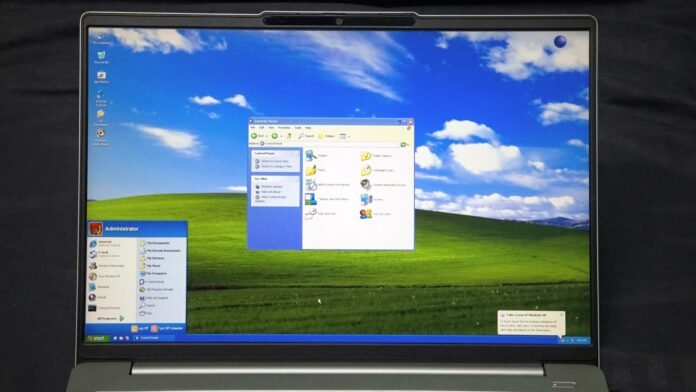
Microsoft is trying to clean up Windows by removing decades-old components, and we’ve already seen some early bits in the preview builds for Windows 11 consumer editions. But for Windows Server 2028, which ships alongside Windows 11 27H2 in the fall of 2027, Microsoft has some radical ideas, and one of them is to stop including support for 32-bit apps by default.
At Ignite 2026, Microsoft noted that Windows Server 2028 will not include the WoW64 subsystem by default. For those unaware, WoW64 stands for Windows 32-bit on Windows 64-bit, and it’s a compatibility layer that allows 32-bit apps to run on 64-bit Windows.
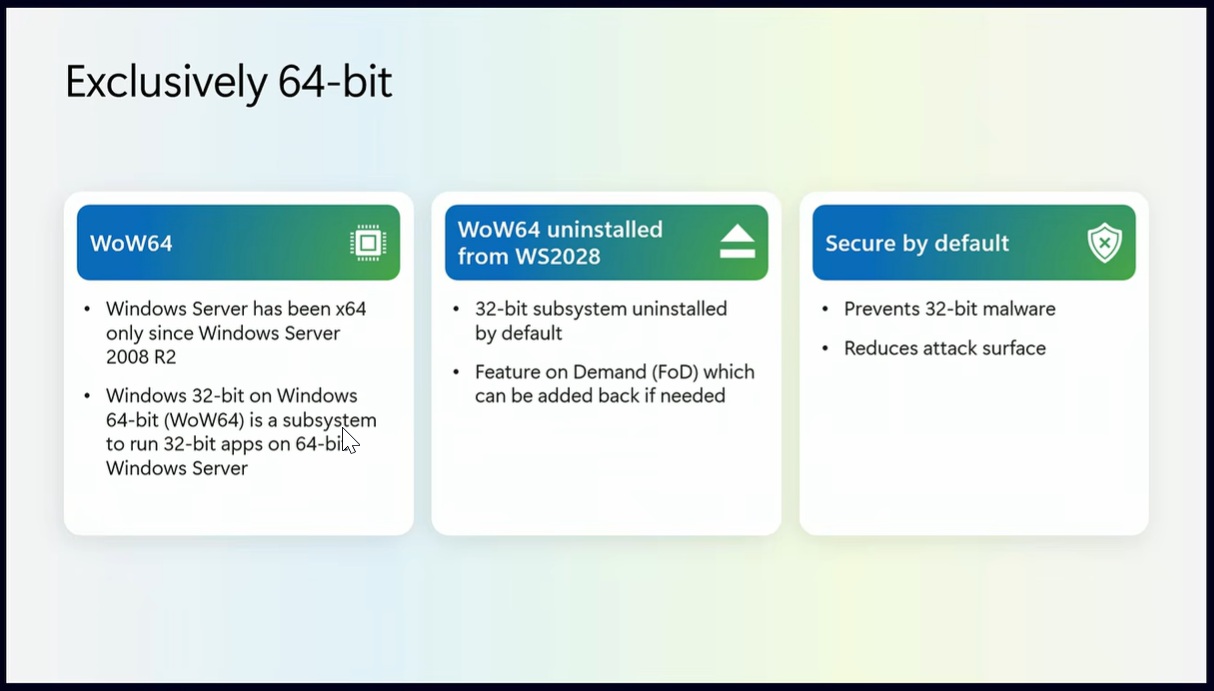
It is worth noting that neither Windows nor Windows Server has shipped with a 32-bit release for years. Windows 11 has only shipped as a 64-bit operating system since 2021, while Windows Server moved away from 32-bit releases almost two decades ago, although it continued to maintain compatibility for older apps.
“Windows Server has been 64-bit only since 2008 R2. The last 32-bit release was in Windows Server 2008, and then 2008 R2 was 64-bit only, but we shipped this WoW64 component, which allows you to run 32-bit apps on a 64-bit operating system,” explained Eldon Christensen from Microsoft’s Windows Server team.
Windows Server 2028 will make WoW64 optional, but you can still install it
Microsoft isn’t going to isolate those who still use 32-bit apps, as it will offer a way to restore the WoW64 subsystem via Feature on Demand (FOD). On Windows Server, Features on Demand are typically added with PowerShell or DISM, especially on Server Core, which doesn’t have the Settings app.

“We’re actually going to remove the WoW64 subsystem. It’s a feature on demand. You can add it back in if you’ve got some line of business app that’s 32-bit,” Christensen said.
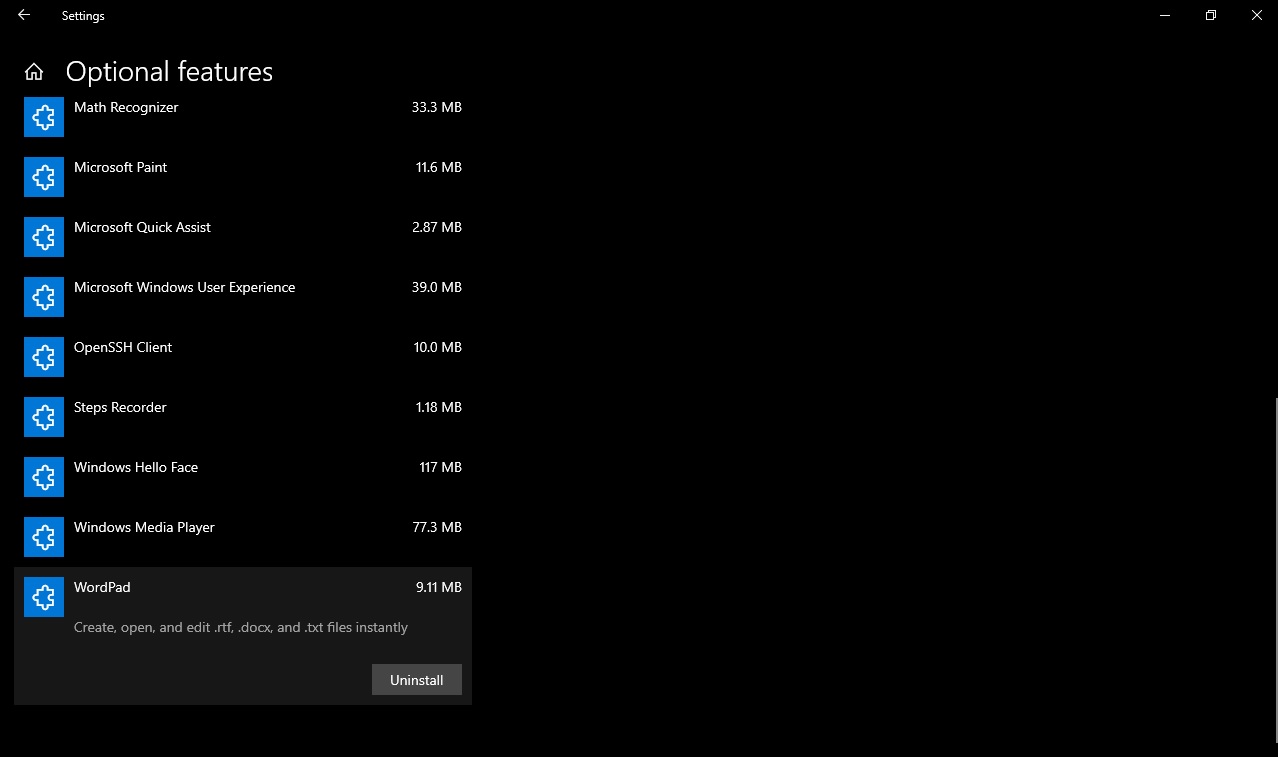
It’s similar to what happened with WordPad. Microsoft first turned WordPad into an optional feature you could uninstall and reinstall, then removed it entirely in Windows 11 24H2. Now, the only way to bring it back is to copy its files from Windows 10.
At some point, we’d have to do the same for the WoW64 subsystem, but it won’t be as easy as restoring a text editor.
Microsoft says making WoW64 optional will make Windows Server more secure
Microsoft isn’t making WoW64 optional simply because it’s a legacy feature or bloatware, or as part of its Windows modernization efforts. Windows Latest understands that the company wants to stop shipping Windows Server with WoW64 enabled by default because of the security risks associated with legacy components.
“What this is going to do is it’s going to make the OS more secure and specifically around 32 bit malware,” Microsoft noted at Ignite 2026.
Microsoft says AI has accelerated vulnerability detection, and that has been fairly evident in recent months, particularly in October’s update, which patched over 1,000 security issues in Windows.
“AI tools are discovering security vulnerabilities at an alarming rate, as anybody maybe saw in the news, we pushed more [security fixes] into the [October Patch Tuesday] update than we have in the history of Windows. And that’s just because AI tools are finding the vulnerabilities. We are like the dev team is all hands on deck, fixing security vulnerabilities and pushing that in.”
Likewise, it’s becoming increasingly difficult to maintain some of the older components without compromising security:
“We have some components that are just fundamentally super old, built on old legacy protocols, and we just fundamentally can’t make them secure without a rewrite. And so we are removing some of those old legacy components.”
Microsoft’s arguments aren’t weak at all, but I still see it as a bold move, because Windows has always been about compatibility. You could literally download Midtown Madness from the 1990s and play it alongside GTA on the same Windows PC, and it’s all possible because the company has always prioritized backward compatibility.

This has been the case for Windows Server as well, where Microsoft has always focused on broad compatibility, while still giving administrators the freedom to decide which security restrictions they wanted to apply. That means if an enterprise wasn’t comfortable letting its organization run 32-bit apps, it had the option to block them. But now, Microsoft wants to disable WoW64 by default.
“In the past, we have shipped Windows Server, and I’ll call it like in a compatibility mode, we ship it to have appcompat, we ship it open, and we ensure that all your apps can run on it,” Microsoft explained. “We’re starting with server core, but we’re going to ship secure by default out of the box. So we’re basically applying the security baselines by default.”
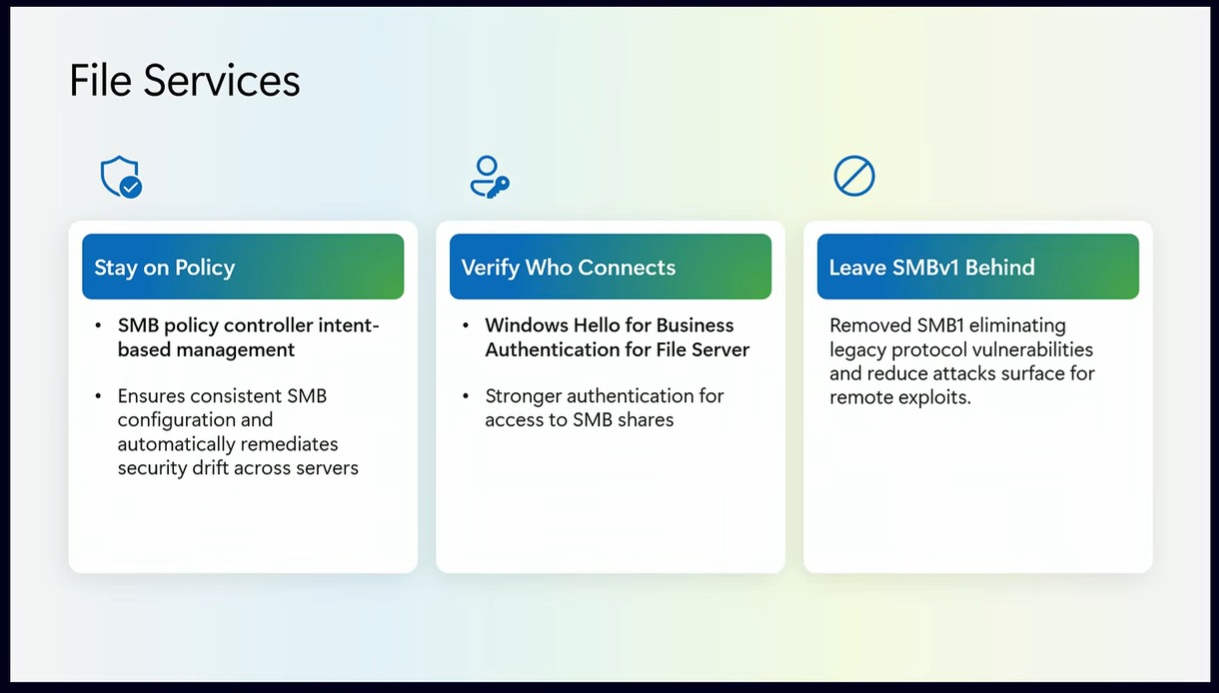
Moreover, Microsoft is removing SMB1 and VBScript from Windows Server, and is even considering removing legacy BIOS support.
Christensen also shared a broader message for Windows Server administrators, which I think is also valid for anybody who uses Windows:
“Things have changed. You need to be more aggressive. You need to get current to be secure. We are pushing out security updates and fixes and hardening. We are taking security very seriously. But we need you to get on the journey with us. Stay current to stay secure.”
Windows 11 isn’t losing 32-bit app support yet
For now, Windows 11 isn’t dropping support for 32-bit apps, even though it’s available only as a 64-bit operating system. It still ships with the WoW64 compatibility layer, and Microsoft hasn’t announced any plans to remove it from Windows 11.
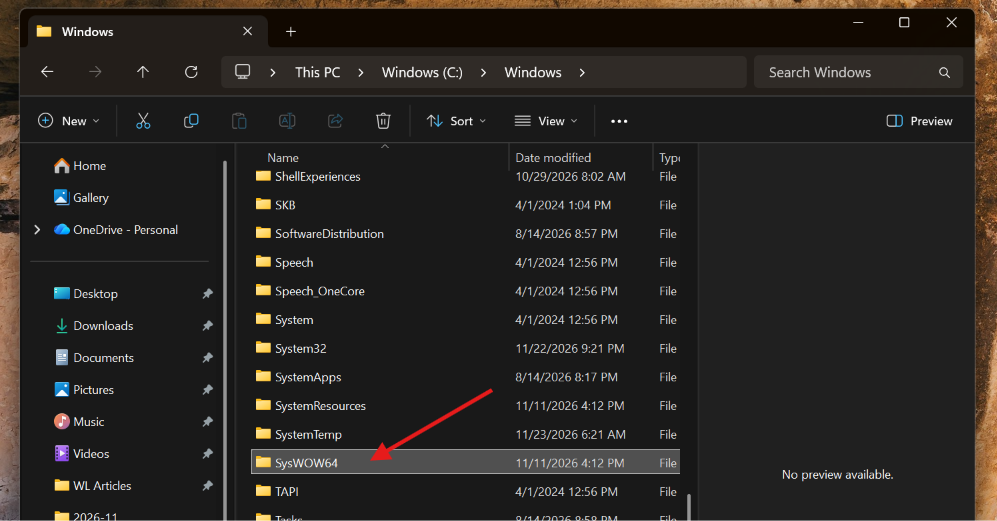
However, it’s important to understand that while Windows Server and Windows 11 are two different products designed for different purposes, they share the same underlying code.
Given the shared code, I wouldn’t be surprised if Microsoft eventually makes WoW64 optional on Windows 11 too, but if it follows the Windows Server approach, you’d still be able to add it back as a Feature on Demand.
But do you even use 32-bit apps? If you’re curious, you can find out which apps use 32-bit using Task Manager. In Task Manager, go to the Details tab and look under the Platform section.
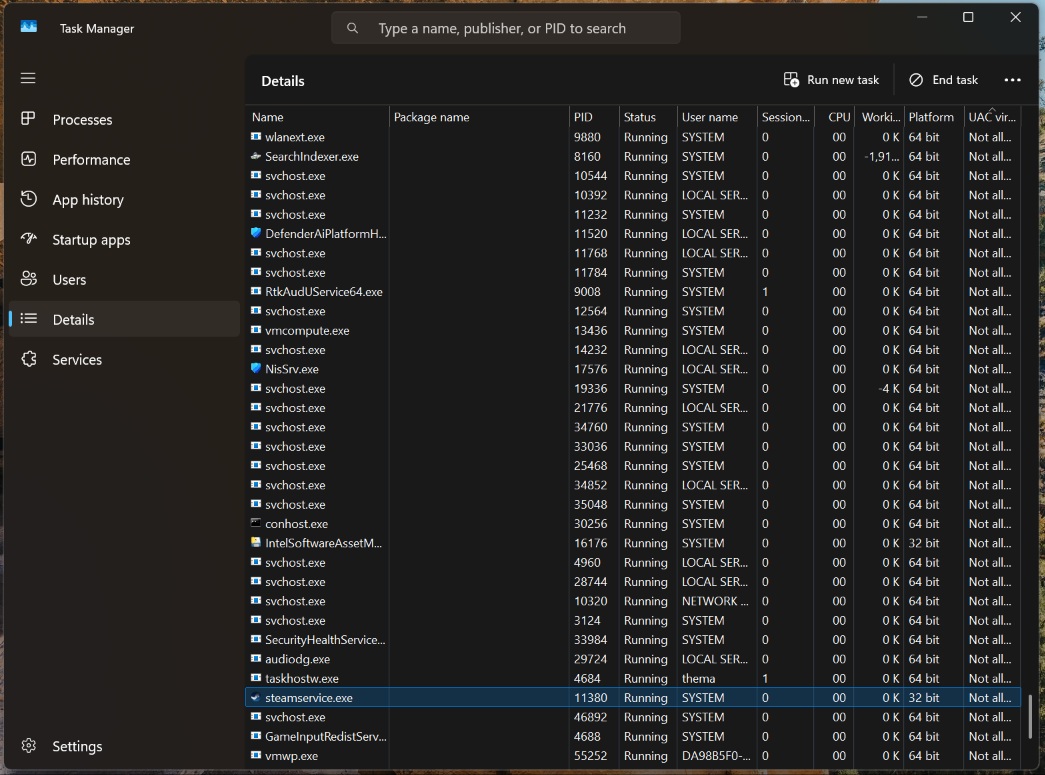
For example, SteamService.exe is one good example of a popular app that still uses 32-bit for backward compatibility.
What do you think? Do you think Microsoft should now consider disabling 32-bit app support in Windows 11 Home, Pro, and Enterprise by default? Let me know in the comments below.