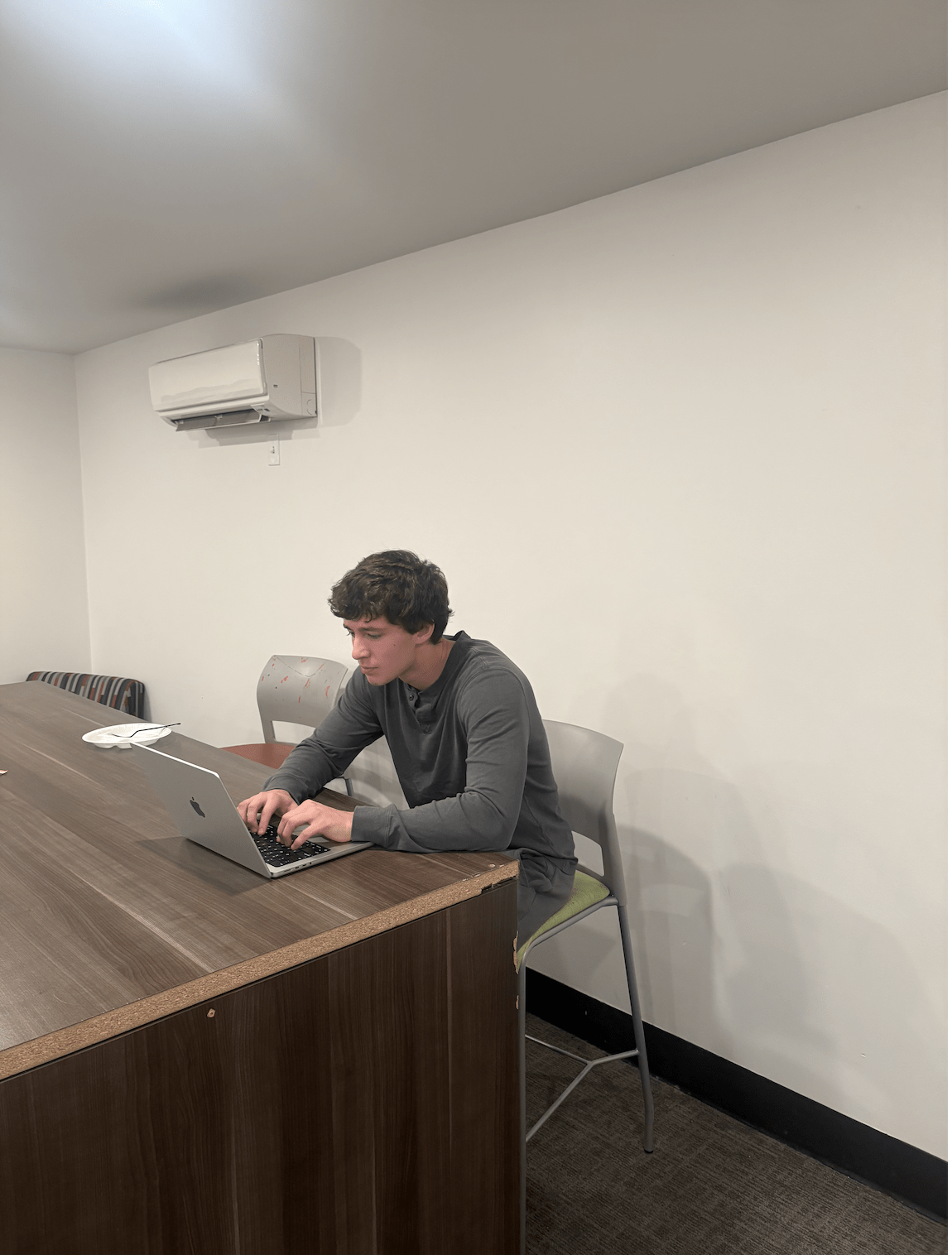

Spencer Lay, creator of FocusFlow, works on the app during its first week on the App Store Oct. 10. Credit: Keaton Kessler | Lantern Reporter
For many students, studying begins with a familiar bargain: scrolling on social media before getting to work. Then five minutes becomes 20, a quick scroll turns into an hour and the assignment remains untouched.
Spencer Lay, a second-year in finance at Ohio State’s Fisher College of Business, knows the cycle well. At one point, he estimates he was losing about five hours a day to his phone.
Instead of trying another screen time limit, Lay built his own solution. FocusFlow, a free iPhone app available on the App Store, locks distracting apps until users complete tasks and provide photo evidence of their work.
As students navigate midterms, finals and assignments, the app offers a different approach to digital distraction. Rather than relying on traditional screen time limits, it ties access to distracting apps to completing everyday responsibilities.
“Every blocker I tried had an off switch, and when I really wanted to scroll, I used it,” Lay said. “I wanted something where the only way back into Instagram is actually doing the work.”
Lay had tried conventional app blockers and Apple’s screen time limits but repeatedly found ways around them. The tools were designed to restrict his phone use, but he could disable the restrictions whenever he wanted.
“I didn’t need another reminder,” he said. “I needed something I couldn’t talk my way out of.”
FocusFlow reverses that arrangement. Users select distracting apps, create a task list and assign screen time rewards to completed work.
After finishing a task, they photograph the result for verification. Once the work is approved, the app unlocks the corresponding minutes. When those minutes run out, the restrictions return.
The app also connects to Canvas, the learning management system used at Ohio State and many universities. At Ohio State, students can connect through CarmenCanvas, allowing assignments and due dates to appear automatically in FocusFlow. This lets students use existing coursework as their task list rather than manually entering every assignment.
FocusFlow uses Apple’s screen time technology to enforce restrictions while keeping app activity data on the user’s device, according to Lay.
The idea for FocusFlow also reflects an interest in entrepreneurship that developed long before the app launched.
Lay’s stepfather, AJ Auld, said Lay developed an entrepreneurial mindset from a young age. The two spent years discussing how entrepreneurs can identify everyday problems and create solutions that help people.
What stood out about FocusFlow, Auld said, was that Lay was solving a problem he personally experienced.
“He ‘eats his own dog food’ with this product,” Auld said. “Like most of us, he sometimes needs help focusing on the most important tasks at hand, so he’s building something he actually uses.”
As Lay developed and launched the app, Auld served primarily as a sounding board, offering advice based on his experience building businesses and software companies.
“There’s a lot to learn when you’re building and launching a product, especially for the first time,” he said. “I just give gentle nudges and feedback when asked.”
Auld said Lay has taken the lead in developing the product independently, while he provides perspective when Lay asks for it.
One quality Auld believes distinguishes FocusFlow from other productivity apps is its simplicity.
“FocusFlow is easy to use, and people can get up and running in less than a minute,” he said. “The technology handles the heavy lifting so they can spend less time getting set up and more time focusing on what they need to do.”
Jack Skalsky, a second-year in operations management, has been using FocusFlow for a few weeks. He said previous social media management tools had been too easy to bypass. He had tried ScreenZen, BePresent and Apple’s built-in screen time controls before switching to FocusFlow.
He said he noticed a difference in how he approached breaks. Traditional limits often gave him a fixed block of time that he felt compelled to use until the timer expired. FocusFlow, he said, allows earned minutes to be spread across shorter intervals.
“A reward of five minutes could mean 2 minutes here and 30 seconds there,” Skalsky said. “It helps you to really take a ‘short break’ instead of a set amount of time that you’re glued to your phone until the time runs out.”
Skalsky said he also found the app to be beneficial beyond schoolwork. Tasks such as laundry and washing dishes could earn screen time, giving him a reason to tackle chores he had postponed. He said he had also become more motivated to go to the gym.
“I have done so many things inside and outside of school in this last week that I had been putting off for months,” Skalsky said.