This article needs JavaScript to display. Please turn on JavaScript in your browser and reload the page.
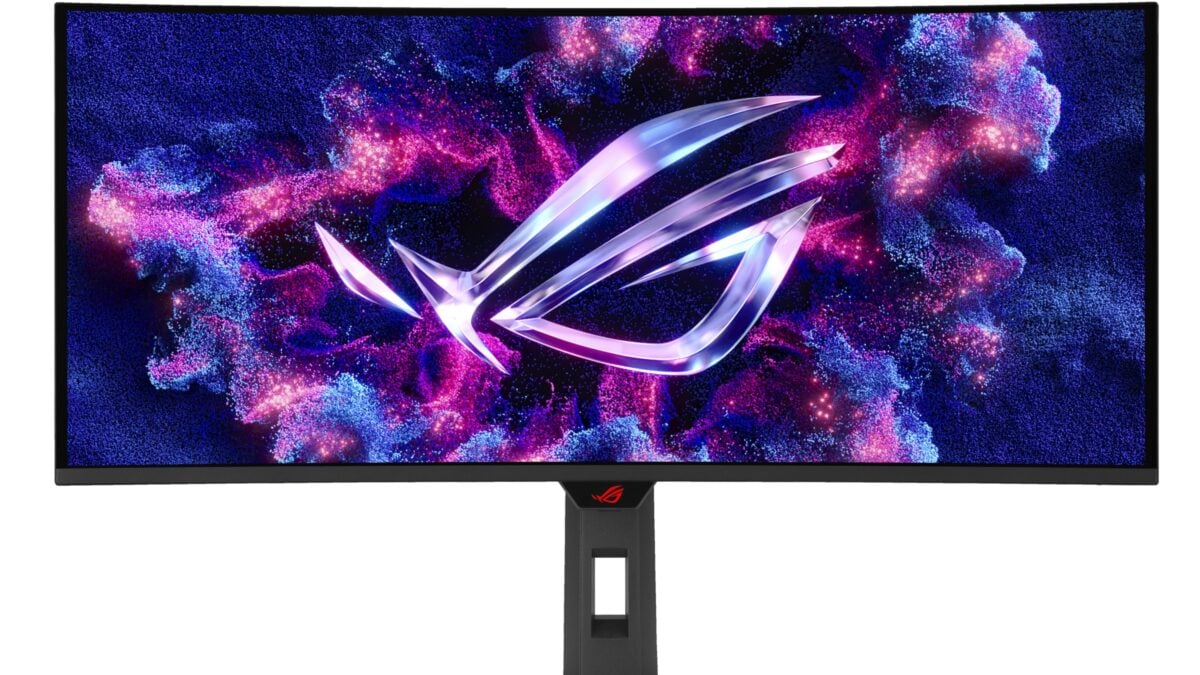
ASUS’s ROG Strix OLED XG34WCDG puts a 34-inch ultrawide screen and a 175Hz refresh rate on your desk for $629 at Amazon. That is $120 below the retailer’s displayed $749 list price, and it could be an appealing upgrade if you want more room around your games.
The offer is for the 3440 x 1440 QD-OLED model, not the similarly named 280Hz XG34WCDMS. When I checked, Amazon was selling and shipping the new monitor, and neither a coupon nor a Prime membership was needed for the displayed price.
There is a useful distinction in that saving: Amazon calls $749 a list price, so it does not tell us what the monitor sold for immediately before this offer. I also found the same $629 price at ASUS’s own store, which gives you another point of comparison if you are shopping around.
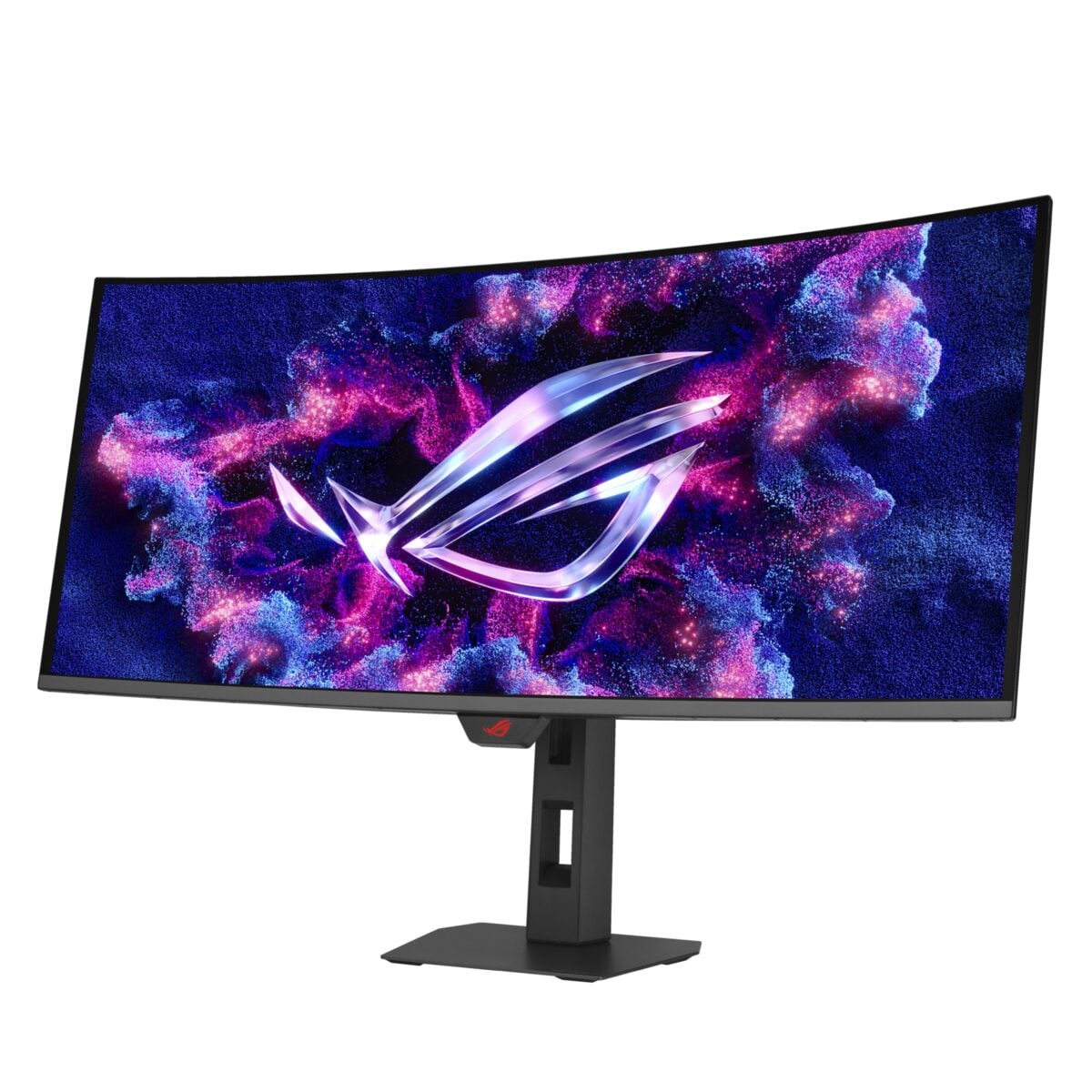
The XG34WCDG has a curved ultrawide QD-OLED panel. Image: ASUS
Today’s deal
ASUS ROG Strix OLED XG34WCDG 34-inch 175Hz monitor
- 3440 x 1440 QD-OLED, 175Hz, 1800R curve
- Amazon comparison price (list price)
- $749.00; not a verified previous selling price
What the wider QD-OLED screen brings to games
The XG34WCDG has a 21:9 aspect ratio and an 1800R curve. That extra width can give supported games a broader view, and it leaves more horizontal space for placing windows side by side when you are working.
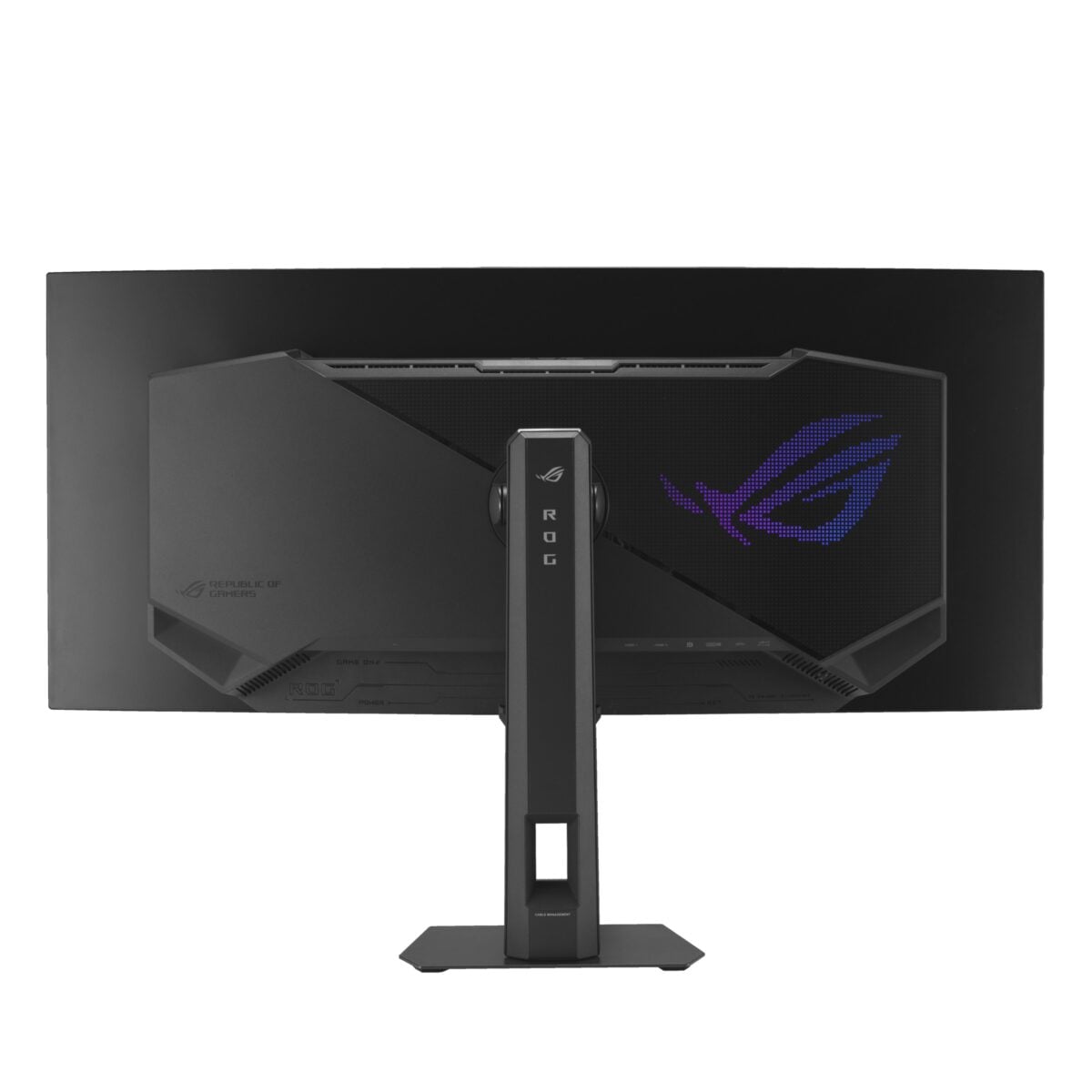
The monitor shown from the rear. Image: ASUS
Keep in mind that not every game or video fills an ultrawide screen. Some content may appear with black bars, while the 3440 x 1440 resolution asks your graphics card to handle more pixels than a standard 2560 x 1440 display. I would check the games you play most and the connections on your PC before ordering.
ASUS rates the panel for up to 175Hz and a 0.03ms grey-to-grey response time. A faster refresh rate can make motion look smoother when your system can supply enough frames, although the number on the box is not a guarantee of that frame rate in a demanding game.
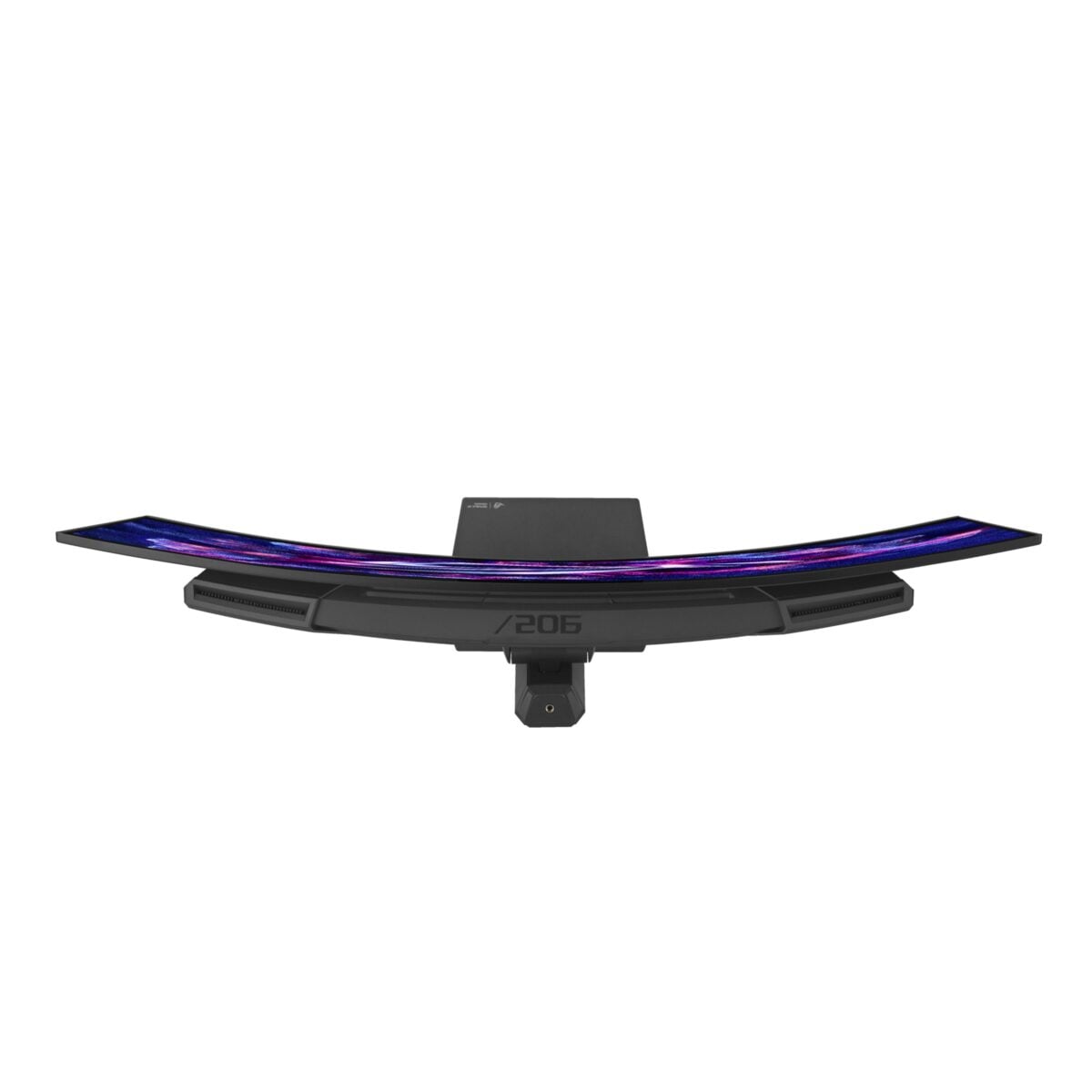
A top view shows the curve of the ultrawide display. Image: ASUS
OLED care and ports are worth checking before you buy
OLED can deliver deep blacks, but static elements left on screen for long periods can contribute to burn-in. ASUS says its OLED Care Pro features include a proximity sensor that can turn the screen black when you step away. That is a useful protection feature, though it does not eliminate the risk.
There is some reassurance in the warranty: ASUS lists three years of coverage including panel burn-in. I recommend reading the warranty terms for your region before buying so you know what is covered.
Connections include DisplayPort 1.4 with DSC, two HDMI 2.1 ports and USB-C with DisplayPort Alt Mode. The USB-C port supplies up to 15W of power, so I would not count on it to replace the charger for a power-hungry laptop.
If that combination sounds right for your setup, check the exact model and current price on Amazon’s listing before placing an order. The 175Hz XG34WCDG and the similarly named XG34WCDMS are different monitors.
Note: Links to online stores in articles can be so-called affiliate links. If you buy through this link, MIXED receives a commission from the provider. For you the price does not change.
As an Amazon Associate we earn from qualifying purchases.