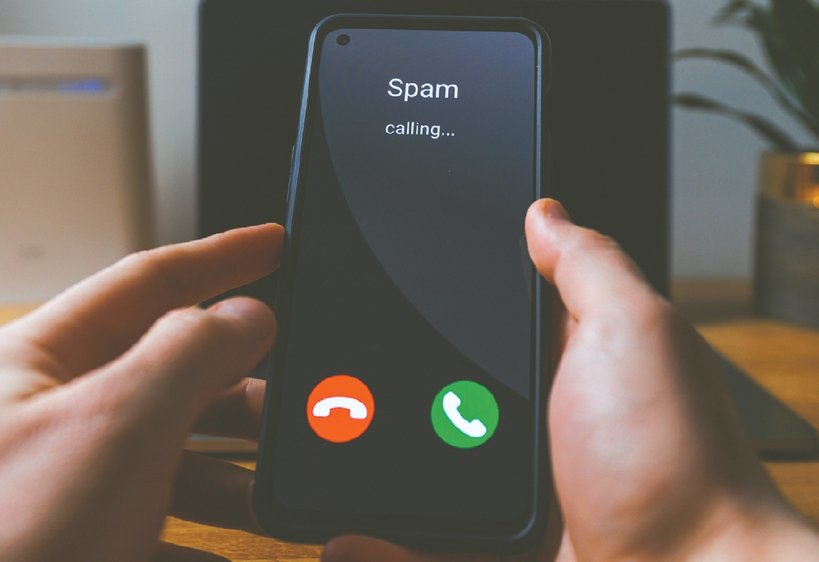

If you are experiencing frustration from multiple spam and scam calls every day, you should check your smartphone’s built-in features before installing paid blocking apps.
Modern smartphones are equipped with features where artificial intelligence (AI) answers calls from unknown numbers first to check the caller and the purpose of the call. Users can then decide whether to answer after checking the caller’s response.
These are the spam call blocker and screening features provided by Apple, Samsung, and Google. They can be used without separate paid apps, though usage methods vary depending on your phone model and operating system.
For iPhones, you can use the call screening feature provided in iOS.
Go to ‘Settings > Apps > Phone > Screen Unknown Callers’ and select ‘Ask Reason for Calling’.
When a call comes in from a number not saved in your contacts, the iPhone first asks the caller for their name and the purpose of the call. The caller’s response is then displayed on the screen, allowing you to decide whether to answer. There is also a feature to completely silence calls from unknown numbers.
Samsung Galaxy users can use call screening on compatible models equipped with Android-16-based One UI 8.5 or higher.
Tap the three dots in the upper right corner of the Phone app, go to ‘Settings > Call Screening’, and turn on the feature. Enabling the automatic screening feature lets AI answer unknown numbers instead to check the purpose of the call.
However, older Galaxy models may not have this menu. In this case, you can check if they support the ‘Bixby Text Call’ feature.
Google Pixel users can set this up by going to the Phone app and navigating to ‘Settings > Spam and Call Screen’ or ‘Call Screen’. Supported models can automatically screen suspicious calls or newly received numbers.
Free spam blocking services provided by mobile carriers are also worth utilizing.
AT&T offers ‘ActiveArmor’, Verizon offers ‘Call Filter’, and T-Mobile offers ‘Scam Shield’ to identify or block suspicious calls. Basic services are free, though some advanced features may incur charges.
In particular, T-Mobile subscribers can dial ‘#662#’ on their phone and press the call button to activate the ‘Scam Block’ feature. This method blocks calls identified by the carrier as having a high probability of fraud before they connect.
However, these features do not block all scam calls. Normal calls from hospitals, schools, or delivery services may also be blocked. It is recommended to save important contacts in advance and regularly check blocked call logs and voicemails.