
Taylor Kerns / Android Authority
Add Android Authority on Google:
TL;DR
- Google Photos has fixed a bug that made edited pictures disappear from other Android apps.
- The issue affected photo pickers and apps like Google Messages, Gemini, and WhatsApp.
- The fix is available in Google Photos v7.97.
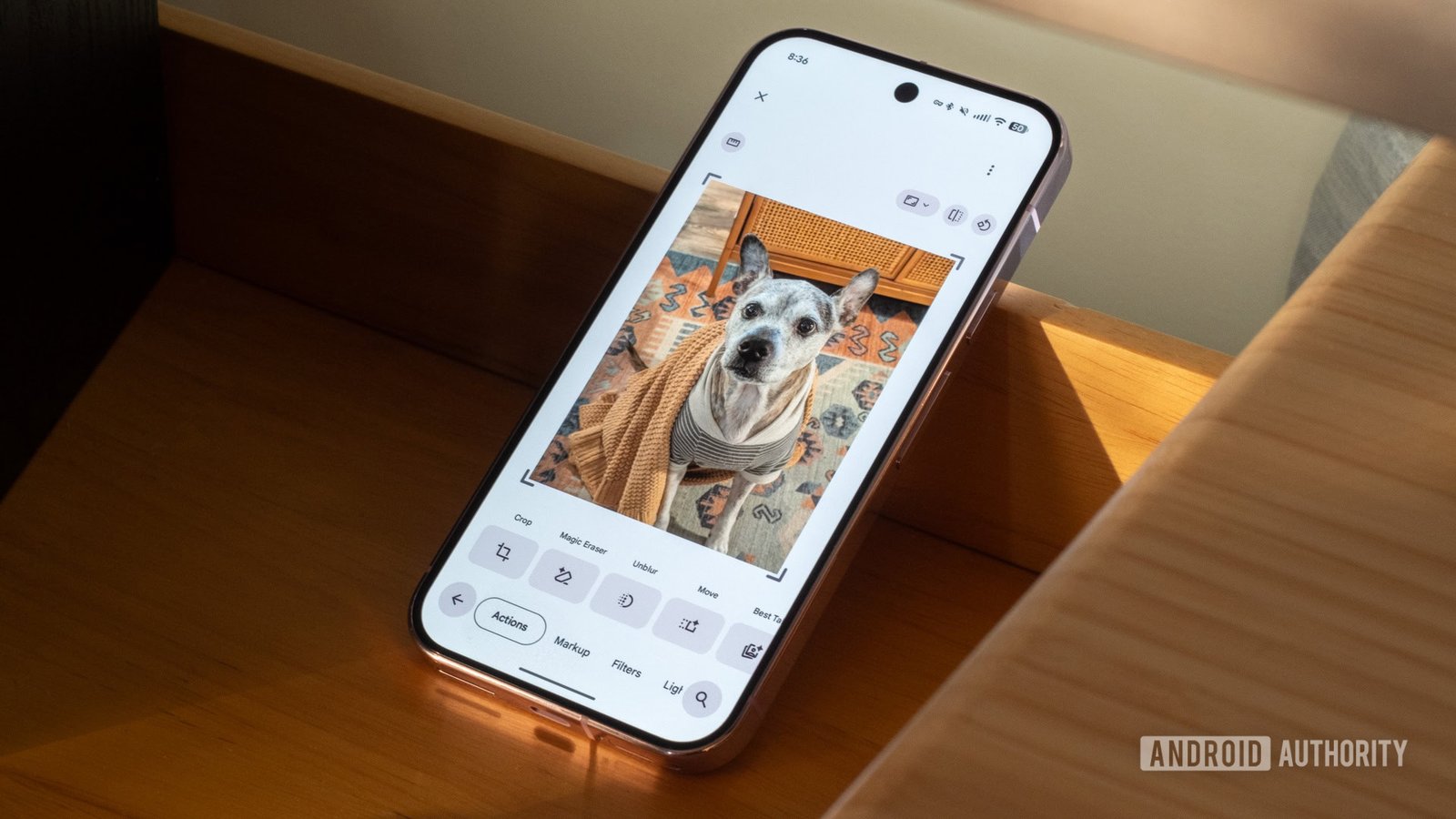
Your perfectly edited photo is ready for its grand WhatsApp debut. You open the app, tap the image picker, and suddenly your masterpiece pulls a disappearing act. No warning, no error message. Just an empty spot where your picture should be. For some Google Photos users, this wasn’t a magic trick. It was an irritating bug that turned a routine photo edit into a game of hide-and-seek across Android apps. Thankfully, Google appears to have finally called time on the disappearing act.
Artem Russakovskii, the founder of APKMirror, revealed on X that he reported the issue directly to the Google Photos team. Google later confirmed the bug was fixed in Photos version 7.97, and Artem independently tested the update to verify the fix worked.

The problem wasn’t that Google Photos deleted pictures. Instead, images edited and saved in Photos could become invisible to other apps, including WhatsApp and Telegram, even though they remained accessible in Google’s gallery.
The culprit appears to involve how Android handles non-destructive photo edits, which preserve the original image while allowing changes to be saved. A related Google Issue Tracker report specifically identifies a problem with local media URI indexing after such edits, potentially leaving other apps unable to find the modified image until a full reboot.
Saving the edited picture as a separate copy offered an escape route, but that’s hardly an elegant solution when you’re simply trying to share a photo. But this isn’t Google Photos’ only editing headache lately.
Last month, we reported another bug that made the app’s Share, Edit, Add to, and Trash buttons unresponsive after editing a picture. Google acknowledged the issue and later told Android Authority that version 7.94 fixed it. However, at least one of our readers has since reported that the problem persists.
The two bugs have different symptoms, and there’s no confirmation they share a technical cause. Still, it’s quite a double act for an app whose entire job revolves around managing photos.
With version 7.97 reportedly ending the latest disappearing act, your edits should finally travel beyond Google Photos without needing a rescue mission.